Google is rolling out a fresh update for its Gemini app on Android, bringing a redesigned visual glow effect and free access to its Personal Intelligence feature. The AI-powered tool pulls from your Google services to craft tailored responses — no paid plan needed anymore.
Gemini's New Glow: A Full-Screen Visual Upgrade
When you activate Gemini on Android, you’ll now notice a bigger, brighter glow around your entire screen instead of just a small overlay. That glow starts with a mix of blue, red, yellow, and green colors framing the display’s edge, then slowly fades to blue before disappearing. This update adds a glow effect that matches Google's style, similar to the earlier Circle to Search feature.
The glow appears when you launch Gemini by either long-pressing the power button or swiping up from the bottom corners. It’s a subtle but clear visual cue that the assistant is ready to help.
Personal Intelligence Goes Free for US Users
One of the biggest changes in this update is the wide release of Google’s Personal Intelligence feature to free users in the US. Previously locked behind a paid Google AI subscription, this tool now taps into your Google account data — including Gmail, Calendar, Drive, Google Photos, YouTube, Search, and Maps — to offer responses tailored just for you.
Personal Intelligence looks at your texts, photos, videos, and calendar events to customize answers so you don’t have to explain everything. For example, if you ask Gemini for travel tips, it won’t just spit out generic lists.
Instead, it considers your interests and past favorites to suggest hidden gems at your destination. If you face a tech issue, Personal Intelligence can find your purchase receipts in Gmail and guide you through troubleshooting steps specific to your device model.
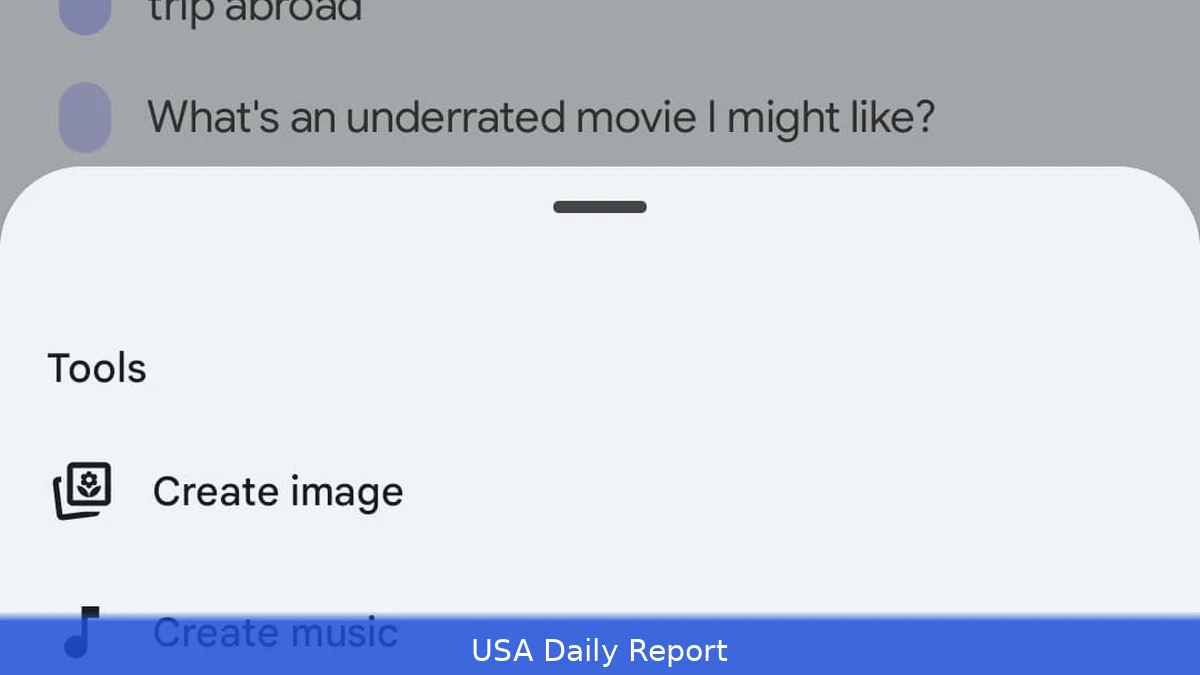
Users must opt in to enable this personalization and can control which apps Gemini accesses. The feature respects privacy boundaries, letting you disable Personal Intelligence at any time or for specific prompts via the Tools menu.
Memory Feature Enhances Conversations
Alongside Personal Intelligence, Google has quietly rolled out a feature called Memory, formerly known as Past Gemini chats. Memory allows Gemini to remember previous conversations, so you don’t have to repeat details every time you chat. This helps Gemini provide more coherent, context-aware answers, making interactions feel more natural.
Memory reviews your past chats to make responses more personal, helping the assistant feel more like a companion than just a tool. This feature also requires user consent and is part of Google's broader push to make its AI assistants smarter by leveraging historical context.
What This Means for Google’s AI Ambitions
By offering Personal Intelligence and Memory for free, Google is making AI a bigger part of daily tools without charging extra. It also highlights Google’s confidence in its ability to balance personalization with user privacy, giving people control over data access.
By tapping into the rich data across Google’s ecosystem, Gemini aims to offer more than just search answers. It’s designed to serve as a hands-on assistant that anticipates needs — whether that’s managing your schedule, helping with tech issues, or exploring new hobbies.
Right now, only US users with personal Google accounts can access these features. Business, enterprise, or education Workspace users won’t see these features yet.
Google is pushing its AI forward, and Gemini’s new features show it wants to compete strongly in the AI assistant market. The redesign and feature expansion also suggest Google is focusing on user experience and accessibility to attract more everyday users.
As AI assistants become more common, Google’s updates might change how personal and interactive these tools are, all without extra fees.
The Gemini app’s new glow effect and the free rollout of Personal Intelligence and Memory mark a notable upgrade for Google’s AI offerings on Android. Whether it’s helping you fix tech glitches or crafting custom travel plans, Gemini is aiming to be smarter, more helpful, and easier to access. How quickly these features spread beyond the US we'll have to wait and see.


