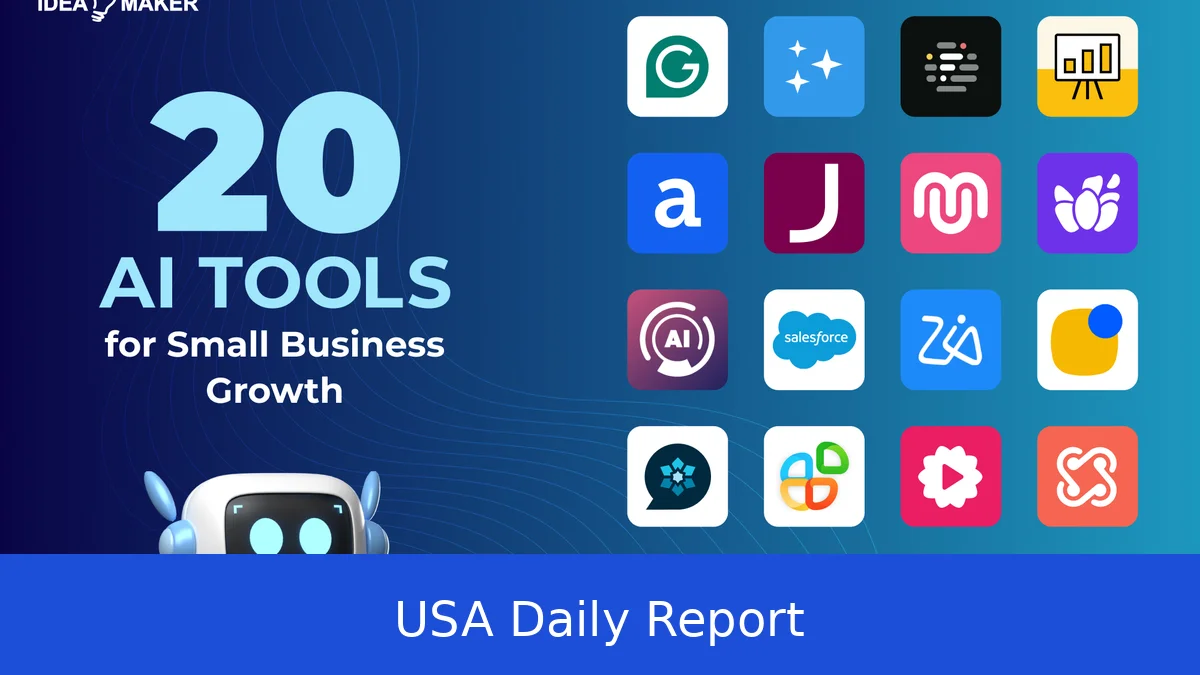
Running a small business in 2026 means working smarter, not harder. With AI tools designed to save time and cut costs, US small business owners can automate tasks like accounting, marketing, customer service, writing, and hiring. These tools help you focus on growth while AI handles repetitive work, boosting productivity and trimming expenses.
Quick Summary: AI Tools for Small Businesses in 2026
- Accounting: QuickBooks AI, FreshBooks, Wave (free), Bench ($300/month)
- Marketing: Canva AI (free tier), Buffer/Hootsuite AI, Mailchimp AI, Jasper ($39/month)
- Customer Service: Tidio (free chatbot), Intercom, Zendesk AI
- Writing: ChatGPT/Claude, Grammarly Business
- Sales/CRM: HubSpot AI (free), Salesforce Einstein, Pipedrive AI
- Hiring: Indeed AI, LinkedIn Recruiter Lite, ZipRecruiter AI
- Website Builders: Wix AI builder, Shopify Magic, WordPress + AI plugins
- Scheduling: Calendly (free), Square Appointments
- ROI: Save 5-10 hours/week, worth $13,000-$26,000/year at $50/hr owner time
What Are AI Tools for Small Businesses?
AI tools use artificial intelligence to handle routine or complex tasks automatically. For small business owners in the US, AI means less time spent on tedious work like invoicing, marketing posts, or customer emails, and more time growing the business. These tools blend into everyday operations—think AI that writes your social posts, tracks your taxes, or chats with customers 24/7. By 2026, AI is smarter and easier to use, designed specifically for small business needs.
AI isn’t just about replacing human effort—it’s about making your work faster and more accurate. For example, AI-powered accounting software can spot errors in expense reports, while marketing AI can tailor ads based on customer behavior. This means better decisions and less guesswork.
Many AI tools integrate seamlessly with apps you already use, like QuickBooks linking to your bank or Shopify’s AI helping with product descriptions. The goal is to automate repetitive tasks so you can focus on strategy, creative work, and customer relationships.
How to Get Started With AI as a Small Business Owner
Step 1: Identify your pain points. Where do you spend the most time? Is it accounting, marketing, customer service, or hiring? Track your daily tasks for a week to pinpoint where AI could save hours.
Step 2: Choose tools that fit your budget and tech comfort level. Many AI options offer free tiers or trials—perfect for testing without upfront costs. For example, Wave offers free accounting software, while Canva lets you try AI design tools at no charge.
Step 3: Start small. Pick one tool, learn it well, then expand. Trying to adopt too many AI tools at once can overwhelm you and your staff. Focus on mastering one area first, like automating email marketing or scheduling.
Step 4: Track your time savings and costs to see the real impact. Use simple spreadsheets or time-tracking apps to compare hours spent before and after AI adoption. This helps justify the investment and shows where to improve.
For US small businesses, it’s smart to consider tools that also comply with tax laws and data privacy regulations. Many AI providers update features regularly to meet IRS rules and protect customer data, so check for those updates before choosing.
Step-by-Step Usage of Key AI Tools
Accounting AI
QuickBooks AI is popular for US small businesses. It auto-categorizes expenses, sends invoices, and integrates IRS tax rules for compliance. To get started, sign up for QuickBooks Online (plans start at $30/month). Connect your bank accounts and credit cards, and the AI will begin sorting transactions automatically.
For example, if you buy office supplies, QuickBooks AI recognizes the merchant and categorizes the expense correctly. It also sends reminders for overdue invoices, helping you get paid faster. The software generates quarterly tax summaries, reducing the risk of errors when filing.
FreshBooks offers similar AI features with simple invoicing and expense tracking starting at $17/month. It’s great for freelancers and service providers. Wave is free and includes invoicing, receipt scanning, and basic accounting, ideal if you’re just starting out and want to keep costs down.
Bench
Marketing AI
Canva AI
BufferHootsuite
Mailchimp AI
Jasper
Customer Service AI
Tidio
IntercomZendesk AI
Writing AI
ChatGPTClaude
Grammarly Business
Sales and CRM AI
HubSpot AI
Salesforce EinsteinPipedrive AI
Hiring AI
Indeed AIZipRecruiter AILinkedIn Recruiter Lite
Website Builders with AI
Wix AI builder
Shopify Magic
WordPress
Scheduling AI
Calendly
Square Appointments
Tips and Tricks for Using AI Tools
Start by automating the most repetitive, time-consuming tasks. For example, use AI to handle recurring invoices or social media posts. This frees you to focus on strategy and customer relationships.
Don’t overload your workflow. Introduce one AI tool at a time, so you and your team can learn it properly.
Use free tiers or trials to test if a tool fits your business. Many AI providers offer 14-30 day trials or free plans with limited features.
Keep data security in mind. Choose AI vendors that comply with US data privacy laws and have clear policies on data use.
Track your results closely. Use simple spreadsheets or apps to monitor hours saved and improvements in tasks like invoicing speed or email open rates.
Pair AI tools for better results. For instance, connect your CRM AI with email marketing AI to nurture leads more effectively.
Best Free AI Tools for US Small Businesses in 2026
- Wave Accounting: Free invoicing, receipt scanning, and basic accounting.
- Canva AI: Free design templates and AI image editing.
- Tidio Chatbot: Free live chat and chatbot for websites.
- HubSpot CRM AI: Free sales CRM with lead scoring and tracking.
- Calendly: Free scheduling with calendar integrations.
- ChatGPT Basic: Free AI writing assistant for emails and content.
These tools offer a great starting point without upfront costs. As your business grows, you can upgrade to paid plans for more features.
AI tools in 2026 are no longer just for big companies. US small business owners have access to smart, affordable AI that can automate accounting, marketing, customer service, writing, sales, hiring, and scheduling. Starting with free or low-cost options like Wave accounting, Canva AI, and HubSpot CRM lets you save 5 to 10 hours a week—worth up to $26,000 a year if your time is valued at $50 per hour. By adopting AI step-by-step, you can cut costs, boost productivity, and focus more on growing your business.


