
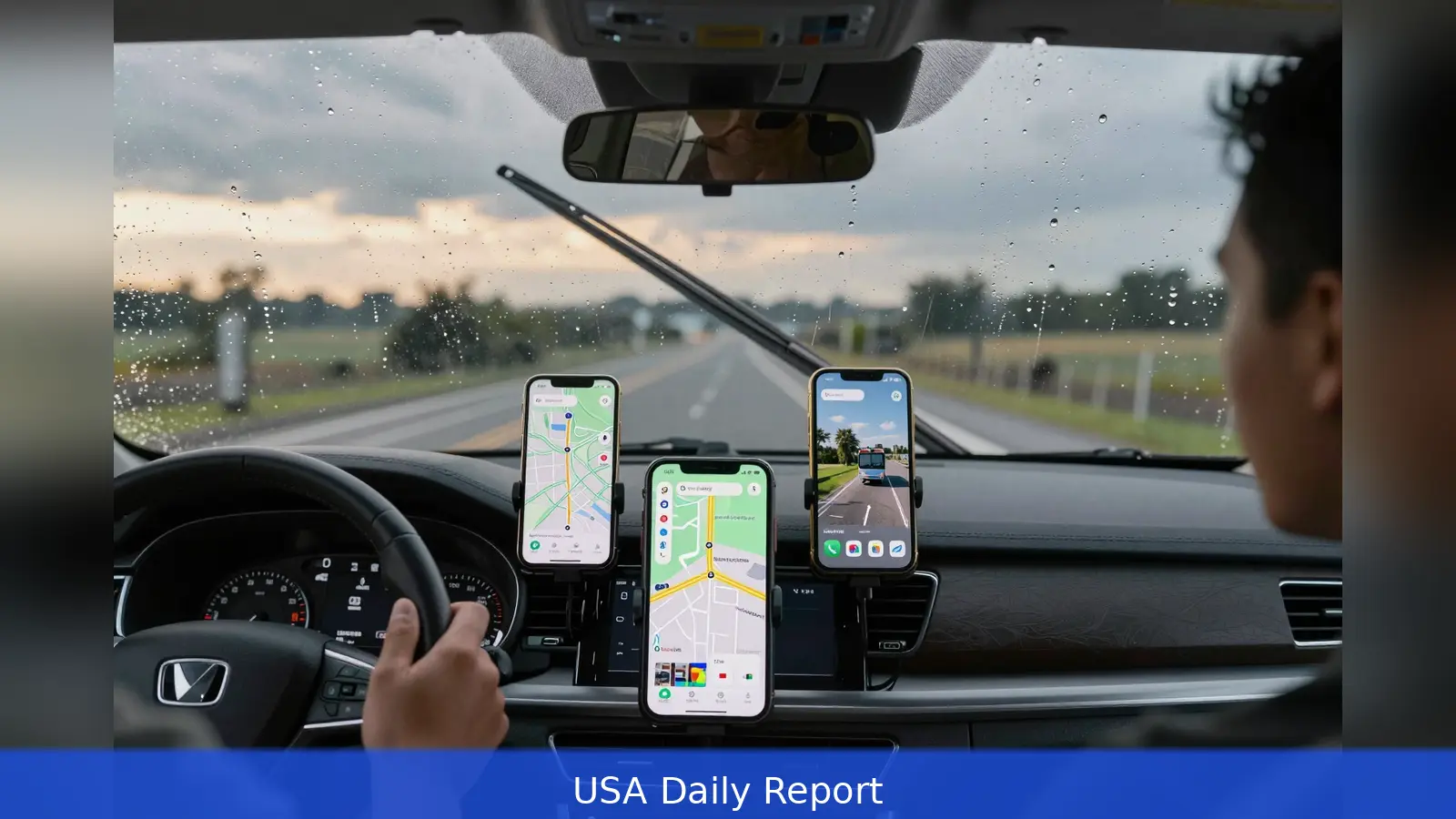
Pick Apple Maps if you want tighter iPhone integration and stronger privacy defaults. Pick Google Maps if you need the deepest business data, Street View coverage and conversational AI while driving. A dashboard clock reads 4:47 p.m., the windshield wipers are on, and two navigation voices call different turns. That moment is the practical choice drivers face: which tradeoffs are you willing to accept, privacy and polish or data depth and discovery. In the United States both apps now match on core routing and ETA for routine drives in well-mapped metro areas. The simplest way to decide is a focused A/B test over a week of real trips that follows the seven steps below.
At the highway merge the two apps speak differently: one frames the move by a familiar landmark, the other counts down distance and lays out alternate routes. That contrast sums up what reviewers who have used both navigation systems for years keep finding, namely that Apple Maps and Google Maps now deliver similar arrival timing for everyday drives while trading off style, scope and features. For many US users the decision narrows to three concrete priorities: tighter iPhone and CarPlay integration plus stronger privacy defaults, versus the broadest local business data, Street View coverage and recent conversational AI inside navigation.
1. Decide what you value most
First, define your priority. If device integration and privacy matter more than discovering every possible business listing, Apple Maps is the better fit. Apple designs Maps to be an extension of the iPhone, Apple Watch and CarPlay, and reviewers note that the app minimizes retained location data. The interface intentionally buries secondary information so turn prompts and a clear map stay front and center.
Second, if discovery and data depth are critical, Google Maps remains superior. Google’s dataset is larger, business listings include more reviews and photos, and Street View provides a ground-level preview of many US locations that Apple’s Look Around covers in fewer places. For anyone who checks parking lots, storefront entrances or user-submitted photos before arriving, Google’s imagery and review volume are decisive practical advantages.
Put another way: pick the ecosystem you want to invest in. Apple rewards users who live in iOS with seamless features and stronger privacy defaults. Google rewards users who need the broadest business coverage and imagery, plus recent AI features that let you search conversationally while navigating.
2. Run the commute test you actually care about
Next, test everyday navigation on routes you really use. Drive the same commute with each app and note three outcomes: which app gives the fastest practical route, which gives clearer lane or junction guidance, and which recovers more gracefully if you miss a turn.
Reviewers consistently report that Apple often offers more intuitive landmark-based prompts at intersections, while Google more frequently presents multiple route options up front.
Do the same for walking, cycling and public transit where available. Historically Google has broader coverage and richer transit schedules, but Apple has closed many gaps in US cities. If you rely on transit times and complex multimodal directions, compare both apps on the same origin, destination and departure time for several days to see which one matches reality for your city.
Practical test setup, step by step: First, pick the same start and end points for both tests, and drive them back-to-back if possible. Second, note ETA and which alternate routes were suggested. Third, deliberately miss one turn in each test and watch which app reroutes faster and more cleanly. That simple loop tells you a lot about the app's live rerouting and lane guidance under real conditions.
3. Compare discovery and local business details like a shopper
When you search for a restaurant, plumber or a specialty shop, the differences matter. Google’s business cards typically include more reviews, photos, menu links and booking hints. Apple’s place cards have improved and present a cleaner, less cluttered layout, but they still lag in raw dataset size and the extras that power discovery.
For tasks that depend on seeing a parking lot or storefront before arrival, Google’s Street View remains uniquely useful in most US markets. Apple’s Look Around offers photorealistic 3D views in select areas, but coverage is smaller. If your local customers find you via map search, maintaining an up-to-date Google Business Profile will usually drive more visible traffic, simply because of scale and the size of Google’s review base. Apple Business Connect exists and visibility has improved, but in most US markets Google provides greater reach and richer review-driven discovery.

Worked example: search the same neighborhood restaurant in both apps. Compare hours, photos, recent reviews and whether the app links to reservations or menus. Note which app tells you about peak times or provides user images of the entrance and nearby parking. That one comparison often reveals which ecosystem will send you more customers or reduce no-shows.
4. Try advanced features that change how you travel
Beyond basic routing, the apps split on advanced features. Google recently rolled conversational AI into Maps, adding route-aware, interactive search so drivers can ask follow-up questions and refine stops on the fly. If you want a voice you can converse with to refine a multi-stop itinerary, Google’s approach is the stronger option according to reviewers who have used the feature.
Apple has taken a different route, investing in photorealistic 3D city views and machine-learned route preferences that try to surface roads you habitually prefer. That design emphasizes a map that learns over time while preserving privacy, rather than a map that queries large external datasets to offer broad discovery. If you want the map to quietly learn your preferred route style and respect privacy, Apple’s approach aligns better.
Either way, identify the advanced features that would change your day. Is it conversational search that lets you find a coffee shop en route without retyping addresses? Is it photorealistic 3D views that help you spot a driveway before you turn? Or is it machine-learned habit routing that avoids certain streets at the hours you drive? Try the exact feature in each app while on a real trip and judge how well it fits your workflow.
5. Confirm device and car compatibility
Compatibility matters. On an iPhone, Apple Maps is built into system-level features and into CarPlay for many vehicles, creating a frictionless experience for directions, parking and on-phone shortcuts. That integration can be a deciding factor for heavy Apple users who value Apple Watch directions and system-wide continuity. Google Maps supports CarPlay as well, but Apple Maps often feels more native across iOS devices, macOS and Apple Watch.
For Android users or drivers who rely on Android Auto, Google Maps generally provides the more native experience and the same breadth of features. Check what your car supports and whether you want on-dashboard widgets, steering-wheel voice activation or watch-based prompts. The app that fits your hardware will feel faster and less distracting in daily use.
6. Set up both apps properly and run a real-world A/B
Setup matters more than most people assume. Adjust voice guidance, map detail level, and offline map downloads where available, then navigate to a destination you haven't visited before using each app in turn. Pay attention to lane guidance, complex interchanges and detours, and test how each app communicates what you must do next. If you frequently lose cellular signal, test offline map behavior because the apps handle pre-downloaded data and route recalculation differently.
Practical A/B routine: 1. Open both apps and download offline maps for your region if you expect low signal. 2. Turn on the same voice guidance level for both to keep audio parity. 3. Use the same departure times to compare live traffic. 4. Force a missed turn and time how long each app takes to recover. 5. Try a multi-stop trip and note whether you can edit stops by voice. Run this loop on multiple days and record which app saved you time or reduced stress.
That week-long test is the most reliable way to parse small but meaningful differences that reviewers report anecdotally. A single comparison on a quiet back road may hide differences that emerge only on a Monday evening commute or a stormy Saturday with limited visibility and heavy rerouting.
7. Decide and lock in settings that suit your workflow
After a week of habitual use you should know which tradeoffs you prefer. If your workflow centers on Apple devices and you prize a minimal interface plus stronger privacy defaults, set Apple Maps as your navigation app of choice and invest time in learning its features for parking, saved places and Siri integrations. If you rely on frequent business discovery, international travel, Street View imagery or conversational AI search within navigation, choose Google Maps and enable its AI features and data layers.
Lock in the settings that fit you. On Apple Maps, make sure CarPlay, Siri suggestions and saved places are enabled where useful, while accepting that Apple limits retained location detail to protect privacy. On Google Maps, enable the conversational AI and data layers you want, and verify your business listings and profile if you rely on local search traffic. In both ecosystems a few minutes of configuration pays dividends every week.
For business owners that depend on local search traffic, maintaining an up-to-date presence in the larger ecosystem will matter most. Google’s larger review base and richer discovery features mean updating a Google Business Profile is more likely to drive visible traffic. Apple Business Connect is an option as well, and Apple Maps visibility has improved, but reviewers and local-marketing guides conclude that Google still delivers greater reach in most US markets.
On privacy, choose knowingly. Apple’s design limits the amount of location data tied to a profile, and built-in privacy defaults reduce cross-service integrations, which is why many privacy-minded users prefer it.
Google offers privacy controls and an incognito option, but its map products reflect deeper data collection and integration across services, which in turn powers discovery and personalization. Decide whether you want convenience and discovery from richer data or reduced tracking even if it means accepting less discovery depth.
Finally, remember that both apps reached near-parity on basic routing and ETA reliability by 2026, while their divergence is now feature-driven. Google added conversational AI capabilities recently, and Apple has focused on refining map visuals, lane prompts and privacy defaults. That makes the practical decision less about accuracy and more about which features shape your daily behavior.
In short, the right map is the one that makes your regular trips easier and your occasional trips less stressful. Run the steps above, pick the app that fits your priorities, and lock the settings so the map serves your day instead of you serving the map.
Related Articles
- 5 Steps to Compound Growth with AI Side Hustles
- 2026 Tax Brackets: 8 Steps to Lower Your Federal Tax
- How a Three-Word Post Can Trigger Mass Harassment
Try both apps for a week and pick the one whose tradeoffs fit your daily routine: if you prize privacy and iPhone integration, choose Apple Maps; if you need broader discovery, Street View and conversational AI, choose Google Maps.
This article was created with AI assistance.


