
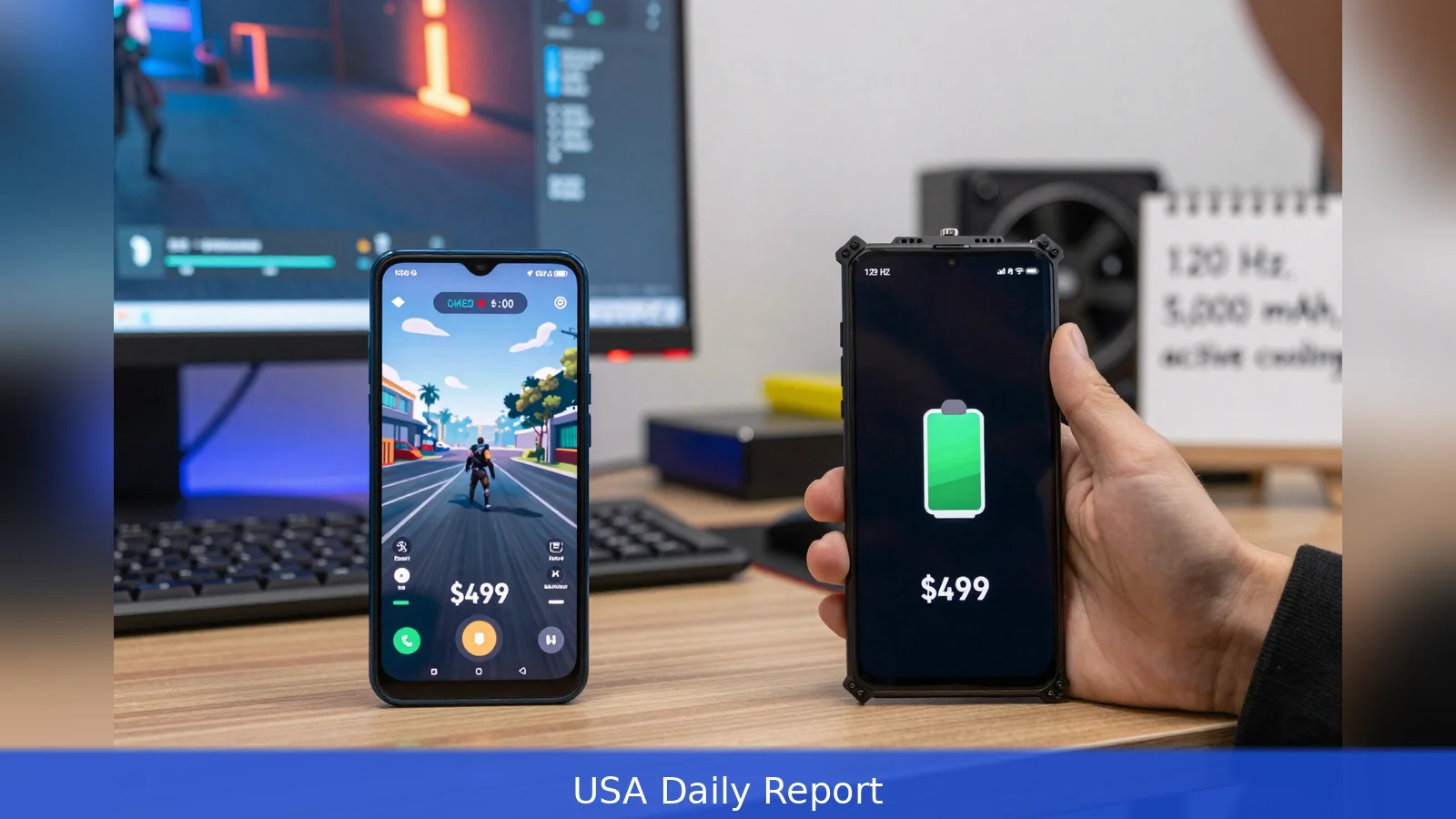
Pick one thing and build your purchase around it: do you want blistering peak FPS for short matches, or steady frame rates for multi-hour sessions? If you want peak speed on a tight budget, favor under-$300 value picks such as the POCO X6 Pro. If you want endurance and the cleanest long-term experience, expect to pay more for phones like the RedMagic 10 r, or pick the Samsung Galaxy A55 for better software support. Below is an eight-step checklist to match that choice to specific models and tests.
Some phones chase raw benchmark speed at the lowest sticker price, while others accept a higher price to avoid thermal throttling and mid-session battery drops.
1. Set your priority between peak speed and sustained play
First, decide which outcome matters to you more: top-line frame rates in short contests or steady frames during marathon sessions. TechGameHQ recommends treating the Processor as the single most important spec and says Snapdragon 7-series or MediaTek Dimensity 7000+ class chips will handle modern titles smoothly in 2026. By that logic, competitive shooters or players who demand constant high FPS should favor higher-clock silicon and phones with explicit gaming optimizations.
But Alibaba urges a different emphasis. It argues that a fast chip is nearly useless if it immediately thermal-throttles, and it reframes "budget" around Sustained thermal endurance. If you run open-world titles for hours, prioritize thermal design and battery capacity over peak benchmark numbers.
Worked example: if you play short ranked matches and value a low price, aim for the kind of silicon TechGameHQ highlights. If you play long single-player sessions, follow Alibaba and accept a higher sticker for a phone built to sustain clocks under load.
2. Lock the display and touch response minimums
First, remember that refresh rate and touch sampling define how a game feels under your thumb. All sources set the floor aggressively: TechGameHQ puts a practical minimum at 120 Hz and recommends 144 Hz for fast-paced shooters.
Gizmochina adds that panels with adaptive LTPO designs, 10-bit color, and very high touch sampling rates are filtering down to performance-focused midrange phones, so those are welcome extras when your budget allows.
Alibaba goes further and treats adaptive refresh and proper dimming as necessary both for visual fidelity and for lower sustained power draw. In short, for a budget pick aim for at least 120 Hz; step up to 144 Hz when you want a measurable edge in responsiveness for shooters.
Worked example: the POCO X6 Pro is singled out for a 144 Hz AMOLED, making it a clear pick for players who value high refresh and low latency within a constrained budget.
3. Make battery capacity and charging strategy a gating factor
First, set a battery baseline you can live with. TechGameHQ recommends 5,000 mAh or larger as the baseline for long sessions. Alibaba recommends even higher capacity for endurance-focused gaming and cites 6,500 mAh to 7,000 mAh as a real-world target for players who refuse mid-session charging.
Sources also highlight charging strategy. Several tested phones, including the Redmi Note 13 Pro+, are praised for extremely fast wired charging. Reviewers value phones with ultra-fast wired charging that can top up quickly between short sessions. If you can't accept interruptions, prioritize larger capacity plus rapid wired charging or bypass charging options; if you tolerate short breaks, 5,000 mAh with fast top-up speeds is acceptable.
Worked example: TechGameHQ lists the POCO X6 Pro with a 5,100 mAh battery and fast wired charging, a combination that balances size and decent recharge speed for most players on a budget.
4. Inspect cooling architecture and sustained performance claims
First, check how a phone manages heat under load. Alibaba and Gizmochina treat active cooling as a differentiator in 2026. Gizmochina's profile of the Red Magic 11S Pro documents a combined air and liquid cooling system, an active fan, and very capable display and touch performance. Alibaba frames active cooling, vapor chambers, and bypass charging as features that separate phones that only look like gaming devices from those that actually sustain multi-hour play.

For marathon sessions, a cooling-first design matters more than peak benchmark numbers. Active fans, vapor chambers, and other thermal plumbing keep clocks higher for longer, and they keep battery drain more consistent. That's why Alibaba recommends devices defined by sustained performance rather than the lowest sticker price.
Worked example: the RedMagic 10 r is cited by Alibaba as a value device defined by sustained performance. It pairs an active fan with a large battery and sits in a suggested midrange price band of about $490 to $550.
5. Choose RAM and storage for multitasking, not marketing
First, size RAM to how many apps you keep open. TechGameHQ states 8 GB of RAM as the practical sweet spot for gaming in 2026 and recommends 12 GB if you keep many apps and services running in the background. UFS 4.x storage and higher RAM tiers help load times and multitasking. If you stream, record high-bitrate clips, or run overlays, factor in at least 12 GB and 256 GB of storage; otherwise, 8 GB and 128 GB are adequate for most players who stick to single-title sessions.
Worked example: a budget under-$300 pick with 8 GB and UFS 4.x will handle modern titles if the phone also balances cooling and display specs. If you plan to stream or edit clips on-device, budget for the 12 GB and 256 GB tier instead.
6. Factor software support, bloat, and update policy into long-term value
First, remember that software shapes long-term performance. TechGameHQ praises Samsung's A-series for multi-year OS support and a cleaner software experience. Several sources warn that manufacturer skins and bundled ads can affect background performance and user experience, which matters for phones you intend to keep for multiple years.
If you plan to keep a phone beyond a single generation, prefer a brand with explicit update commitments or a reputation for lighter software layers, even if it means choosing slightly slower silicon. That trade-off can deliver better long-term value than a faster chip that loses support and accumulates bloat.
Worked example: TechGameHQ recommends the Samsung Galaxy A55 for buyers who value cleaner software and longer update support rather than absolute peak performance at the lowest price.
7. Shortlist models and match them to your budget profile
First, map models to the priority you set in Step 1. TechGameHQ's top under-$300 picks include the POCO X6 Pro, which it cites as the best gaming phone under $300 thanks to a Dimensity 8300-Ultra processor, a 144 Hz AMOLED display, and a 5,100 mAh battery. TechGameHQ also recommends the Samsung Galaxy A55 for buyers who value software support, and it highlights the Redmi Note 13 Pro+ for buyers who want flagship-class charging at a midrange price.
Other outlets test phones above the under-$300 band and point to aggressive midrange value plays that sit modestly above that threshold. Alibaba, focusing on sustained performance rather than the lowest price, recommends the RedMagic 10 r as a value device defined by endurance, noting its active fan and 6,500 mAh battery in a midrange $490 to $550 band. Some reviewers list entry-level Galaxy models as casual picks, but warn they are not suited for prolonged high-settings play.
Worked example: If your priority is under-$300 peak speed, look at the POCO X6 Pro. If you will play long sessions and accept a higher price, look at the RedMagic 10 r or devices with active cooling and 6,500 mAh-plus batteries. If you want the cleanest software and multi-year updates, favor the Samsung Galaxy A55.
8. Final purchase checks and trade-offs to accept
First, confirm real-world thermal and battery tests where possible. Some outlets ran practical game benchmarks that reported minutes of sustained play and charging behavior, while TechGameHQ used hands-on testing for its under-$300 picks. Check a device's sustained performance tests, not just peak numbers.
Second, check local availability and warranty coverage. Reviewers note that several tested phones are region-limited or lack US warranty support. If you rely on cloud streaming, a high-refresh display and low-latency network support may matter more than active cooling. If you favor native offline AAA titles, prioritize battery capacity and cooling. Be explicit about which compromises you will accept: camera quality and premium materials are common trade-offs for budget-grade gaming performance.
Worked example: before you buy, compare the shortlisted models' thermal test results, battery capacity, display refresh rate, and local warranty availability. If a model tests great for peak FPS but shows heavy thermal throttling, accept that it's a short-session phone and plan accordingly.
In short:
1. Pick whether you value short-session peak FPS or multi-hour sustained performance; that single choice decides most trade-offs.
2. Prioritize the processor and at least a 120 Hz display, 144 Hz if you play shooters.
3. Aim for 5,000 mAh as a baseline or 6,500 mAh-plus if you refuse mid-session charging, and check charging speeds.
4. Inspect cooling architecture and regional warranty before you commit.
Related Articles
- AI Scheduling for Solo Creators: 6 Steps to Reclaim Time
- Get data on a Digicel phone: 3 ways and one clear sequence
- Estimate GPT-4 API Costs in 8 Steps to Avoid Surprises
Decide which camp you’re in and buy for that one trait. Short-session, price-first players should prioritize phones like the POCO X6 Pro. Marathon players should favor devices with active cooling and 6,500 mAh-plus batteries such as the RedMagic 10 r. If multi-year updates and a cleaner UI matter more than raw speed, choose the Samsung Galaxy A55.
This article was created with AI assistance.


