
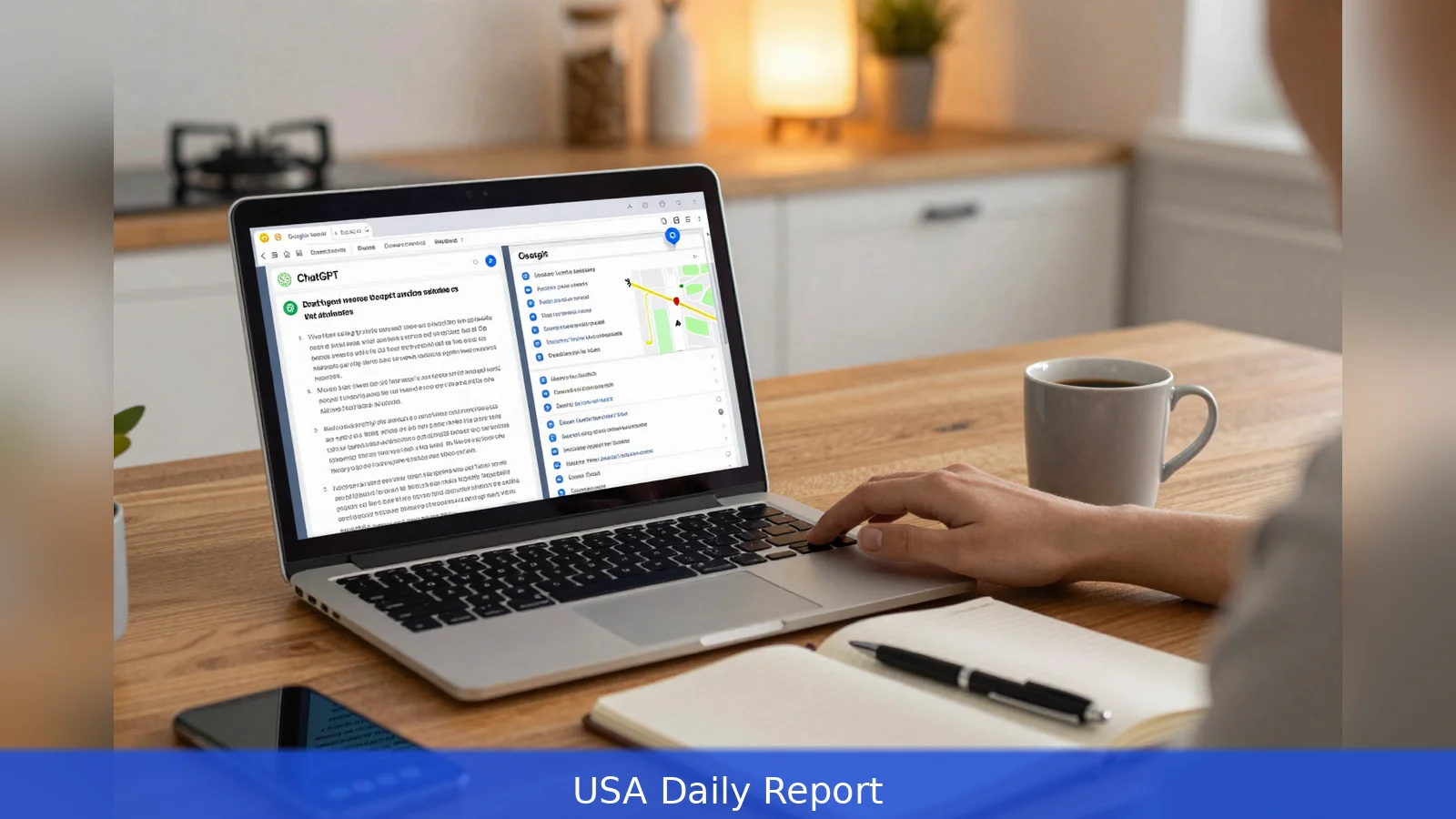
At a kitchen table lit by a laptop screen, a freelance marketer switches between a ChatGPT conversation and a Google results page to answer a client question. For most practical work, start in ChatGPT when you want a synthesized answer, a draft, or a step-by-step plan, then follow up in Google Search to locate primary sources, current news, or local facts. ChatGPT excels at conversational synthesis, iterative drafting, brainstorming, and code help, while Google remains the global index for original web pages, maps, reviews, and up-to-the-minute information. That combination is now common advice from marketers and trainers including WebFX and LinkedIn, and it's the simple habit many professionals use in 2026.
The screen is split: on one side a chat bubble wires an answer, on the other a column of blue links points to source documents. That sight sums up the practical choice most people face. ChatGPT turns questions into a human-style response and a working draft. Google shows the raw materials someone needs to verify and act. The rest of this guide explains how to decide which tool to open first, how to combine them efficiently, and how teams should configure paid products and workflows for higher throughput.
1. Define the job: synthesis or source discovery
First, name the job you want done. If you need a concise, synthesized answer, a usable draft, or iterative help with creativity or code, that job maps to ChatGPT. The platform is built to turn prompts into narrative explanations, outlines, emails, blog posts, lists of names, and debugging help, according to WebFX and a LinkedIn product post. If instead you need original documents, the latest updates, local business hours, maps, shopping comparisons, or multiple independent sources to verify a claim, that job maps to Google Search.
Worked example: you are writing a policy memo. Start by asking ChatGPT for a short annotated outline that names the claims that will need sourcing and the kinds of documents that would support them. Then switch to Google to fetch the official guidance, published studies, or vendor pages that prove or disprove the draft claims. That two-step approach preserves speed while keeping verification rigorous.
2. Match the tool to the task
Match the tool to the work in these clear buckets. Use ChatGPT for synthesis, drafting, brainstorming, multi-turn refinement, and document analysis. WebFX and LinkedIn describe these strengths: ChatGPT generates human-like responses, breaks complex subjects into simpler explanations, drafts emails and blog posts, offers outlines, and assists with coding and debugging. Its conversational memory makes multi-step work efficient because the model retains context across follow-ups.
Use Google when you need the underlying sources. WebFX notes that Google remains the global internet index and is effective at retrieving original web pages, documentation, news, maps, and reviews. For anything that must be verified against primary materials, Google is the right starting point. Google has also added a conversational layer: the Gemini model powers an AI Mode that combines conversational answers with links to the referenced web pages, so users can get an explanatory reply and then follow the documents themselves.
For directions, store hours, live inventory, local reviews, and price comparisons, open Google first. The search index and maps are the current facts people rely on for transactions. WebFX recommends Google for local and transactional queries because the engine surfaces live listings and user reviews that a chatbot alone cannot guarantee are current.
Worked example: before sending a client to a retail location, a consultant should verify hours, stock status, and local reviews in Google Maps or the retailer’s site. Only after confirming those facts should the consultant use ChatGPT to write a customer-facing summary or a route plan.
3. Combine the two: a one-two workflow that scales, accuracy, and team choices
In practice the most durable routine is three steps: synthesize, verify, finalize. Start in ChatGPT for a short outline or a working draft. Then use Google Search or Google’s AI Mode to find two to three primary sources, official guidance, published studies, or vendor pages, to confirm each significant claim. Finally, return to ChatGPT with the sourced links and ask it to produce a revised, annotated draft that integrates citations and flags items that still need confirmation.
WebFX warns that neither ChatGPT nor Google can independently verify facts. Tools that browse the web or attach citations improve efficiency, but a user must still check whether the linked pages actually support the AI’s claim and whether those pages are current. Practically, that means confirming publication dates, checking for contradictory coverage, and using multiple independent sources for important decisions.

Worked example: a marketer drafts an industry explainer in ChatGPT. The draft includes five data points. The marketer then uses Google to pull the original reports and to confirm dates and figures. Back in ChatGPT, the marketer asks for an annotated version that lists which sentence is backed by which source. That annotated draft becomes the working deliverable.
Product tiers matter when you scale work. ChatGPT’s paid tiers and business-focused products provide higher throughput, priority access to newer models, and usage-based plans that are suitable for coding teams and intensive internal workflows, according to WebFX and product write-ups. LinkedIn product descriptions and related materials note that Pro versions of ChatGPT add features such as document upload, image analysis, and web browsing that let the model reference material beyond its base training set. Those capabilities expand the platform’s use cases for document-heavy projects.
Google’s developments matter too: the integration of Gemini into AI Mode and its ability to connect with Google Docs and other Workspace resources make Google valuable for workflows that need cross-document reasoning and linkable references. If your team lives in Google Docs and needs answers that point at shared files and linked documents, AI Mode offers a way to keep source links intact while getting conversational summaries.
The visibility firm that advises professionals on appearing in AI-generated answers argues for distributed presence. In plain terms, consistent, authoritative content across reputable outlets, directory listings, and professional profiles increases the chance that AI systems will reference your organization when they generate answers. WebFX draws the same lesson for marketers: optimize for both traditional search ranking signals and the credibility signals AI answer systems evaluate.
Worked example: a service provider wanting to be referenced by AI answers should maintain accurate local listings, publish authoritative pages on its website, and distribute consistent bios and descriptions to recognized industry outlets. That combination makes it likelier an AI system will surface the provider when composing an answer.
Accuracy, verification, and the limits of AI answers
Neither ChatGPT nor Google is a substitute for primary-source verification. Industry comparisons highlight that both tools rely on limited slices of information and cannot independently verify facts. McKinsey’s 2025 AI Discovery Survey found roughly half of consumers intentionally use AI-powered search tools, and many people now rely on AI as a primary source of insight for buying decisions. That reality makes verification more important, not less.
Operationally, ask ChatGPT to produce an annotated draft that flags the claims requiring sourcing. Then use Google to retrieve the documents, check dates, and confirm the quoted language. Where tools offer browsing or citation features, confirm that the linked pages actually support the AI’s assertion. For high-stakes work, corroborate critical facts against primary documents, official guidance, or recognized industry publications.
Worked example: a finance team shouldn't accept an AI-generated citation without opening the cited page, confirming the date and author, and ensuring the passage cited actually contains the data the AI summarized.
Make the handoff between ChatGPT and Google explicit in your prompt design. Start ChatGPT prompts by asking for a short annotated outline with a clear section that lists claims needing sources. Label the items you want verified. Then use Google to locate the named types of documents, and paste the links back into ChatGPT with a second instruction: revise the draft, insert inline citations, and mark any remaining gaps.
Worked example: prompt ChatGPT with, "Write a 700-word explainer on X, include an annotated bullet that lists five factual claims and the type of source needed for each." After that, search Google for those source types, collect two to three primary links per claim, and ask ChatGPT to create a citation table that maps sentences to links.
That disciplined prompt-handoff pattern preserves the speed advantage of the chatbot while enforcing the verification that decisions require.
In Short
First, use ChatGPT for synthesis, drafts, brainstorming, multi-turn refinement, and code help. Second, use Google Search for source discovery, local facts, and up-to-the-minute information. Third, ask ChatGPT to flag claims that need sourcing and then use Google to find two to three primary links for each claim. Fourth, for teams, consider ChatGPT paid tiers and Google Workspace integration when throughput and cross-document reasoning matter. Fifth, optimize content and local listings so both search engines and AI answer systems can find and cite your work.
Related Articles
- Faceless YouTube Channel: 9 Steps to Build Income with AI
- 9-step AdSense revenue forecast before traffic
- Run AI agents with the laptop lid closed
Start your next task by asking ChatGPT for a short outline or draft, then use Google Search or Google’s AI Mode to locate two to three primary sources, official guidance, published studies, or vendor pages to verify every significant claim. That three-step routine, synthesize then verify then finalize, preserves speed without sacrificing accuracy.
This article was created with AI assistance.


