
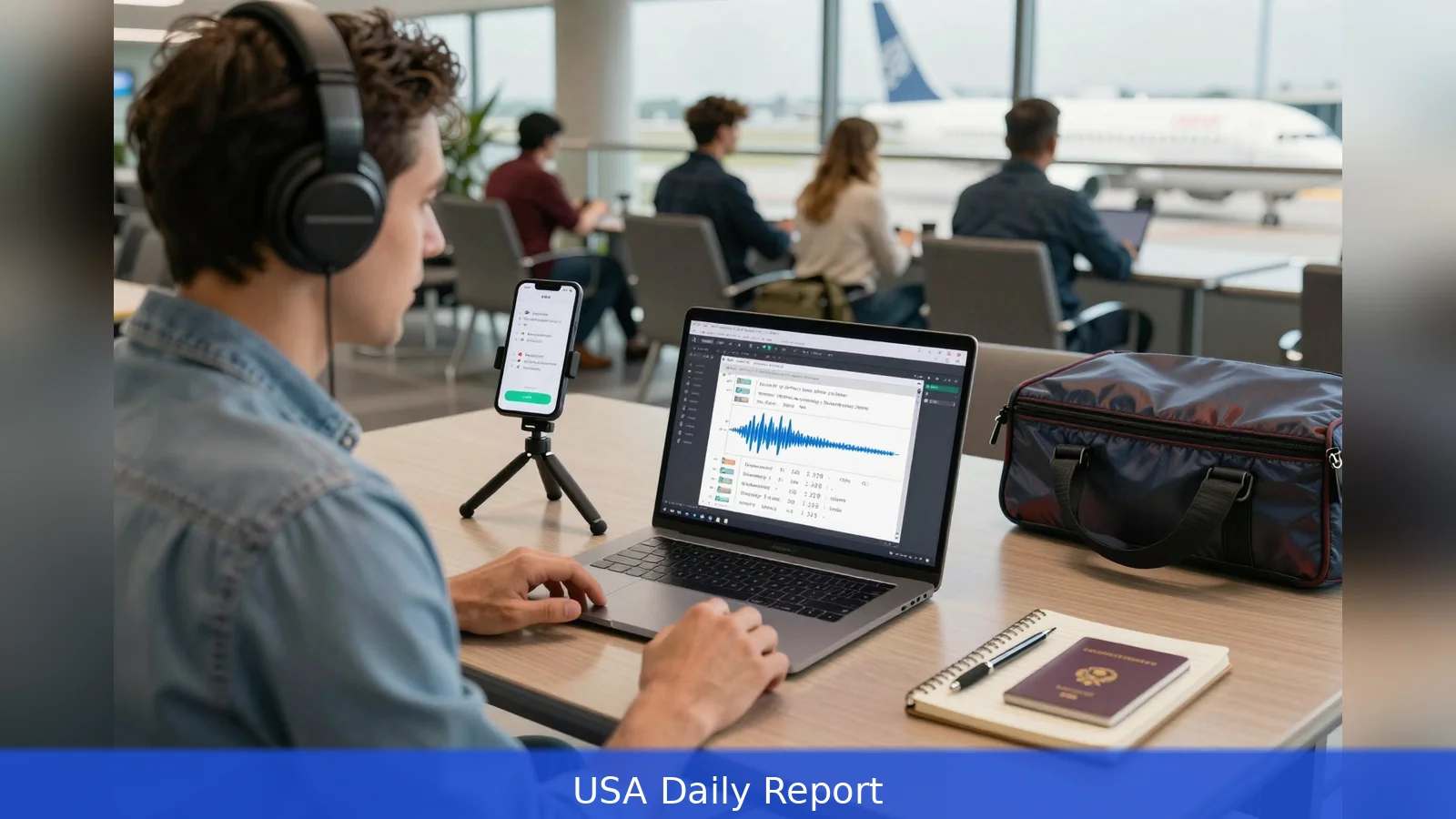
Speaking is nearly four times faster than typing. Quillhub's 2026 guide on dev.to uses that gap to argue for mobile-first, offline-capable AI transcription workflows aimed at digital nomads and traveling teams. The math is simple: about 40 words per minute typing versus 150 words per minute speaking, and modern stacks pair local recording, automatic speaker labels, and LLM post-processing that strips filler and turns raw audio into paragraphs and task lists. For remote professionals who spend hours converting conversation into deliverables, the guide says transcription can reclaim real time if tools and workflows are chosen carefully.
The math is stark: 40 words per minute typing versus 150 words per minute speaking, yet many tools still funnel capture back into keyboards.
Quillhub's 2026 guide on dev.to uses that contrast as its central case for shifting remote workflows toward voice-first capture. The guide points to three empirical anchors: the 3.75x speed gap between speaking and typing, a 2026 tally that puts more than 35 million people identifying as digital nomads, and a 73 percent voice-note adoption rate among remote workers. It also notes broad language support in modern tools, with transcription systems covering 95-plus languages. Those numbers are the baseline rationale for the five repeatable workflows the guide lays out for traveling professionals.
Five workflows that replace hours of typing
First, record meetings and convert them into searchable transcripts with action items and speaker attribution. The guide describes a marketing consultant who reclaimed time by offloading note-taking and decision tracking to automated transcription, then performing a short review to verify action items and assign owners. Second, dictate client emails and proposal drafts while walking between meetings, then run the raw text through an LLM-based post-processor to remove filler, correct punctuation, and structure paragraphs and task lists.
Third, adopt an offline-first record-now, transcribe-later routine for travel. The guide recommends capturing audio locally when connectivity is poor and syncing or submitting for cloud transcription once Wi-Fi returns. Fourth, use a single transcript plus machine translation to bridge language gaps in multinational meetings, then let a human editor verify cultural nuance and legal phrasing. Fifth, treat quick voice notes as the first draft of personal knowledge work, letting an LLM convert those notes into organized to-dos, calendar items, or draft copy after a one-minute review.

Tools, hardware, and the trade-offs
The market the guide surveys is mixed. Paid consumer apps promise polished live dictation and integrated post-processing, but they often sit behind subscription walls. The guide gives a concrete example of a reviewed app that uses a paid subscription model. By contrast, free or open-source models such as Whisper and device-native dictation options provide no-cost alternatives for core transcription. The guide recommends weighing noise-handling and on-device processing, particularly when traveling through noisy airports, cafes, or co-working spaces.
Hardware reviewers have also pushed compact, purpose-built recorders into the conversation. One compact recorder earned praise for noise reduction and long battery life. The guide flags practical downsides called out in product reporting: subscription costs for cloud transcription, and a proprietary charging cable that complicates travel packing.
Accuracy and context limits are an important recurring caveat. Clinical pilots and technology reviews show speed gains can trade off with mis-transcriptions, and ambiguous medical or legal phrasing can create risk in high-stakes settings. The guide frames transcription as a drafting and capture tool, not a substitute for careful review where precision matters. It recommends pairing automatic transcripts with a brief human pass, using domain-specific prompts for LLM post-processing to reduce jargon errors, and choosing tools that allow a fallback to local models when cloud connectivity or privacy concerns arise.
On the practical side, the guide emphasizes interoperability. Export formats matter: plain text, SRT, speaker-labeled JSON, and editable doc exports determine how easily a transcript becomes an internal memo, a client deliverable, or a searchable knowledge asset. It urges remote workers to trial tools on three points before committing: noise robustness, offline behavior, and the export formats they will need for downstream systems.
Quillhub's how-to tone favors modest, repeatable steps over hyped promises. Mobile-first capture, short review windows, and selective human verification are the core habits the guide recommends for nomads who want to move work away from keyboards and toward conversation without raising error risk.
Related Articles
- 13 Google Photos switches that stop accidental backups
- Memory squeeze lifts laptop, phone prices 13 to 17%
- 2-1 6th Circuit ruling blocks DOJ from Michigan voter file
The guide's practical test case: a marketing consultant who swapped manual notes for automatic transcription plus a short human review and reclaimed billable hours.
This article was created with AI assistance.


