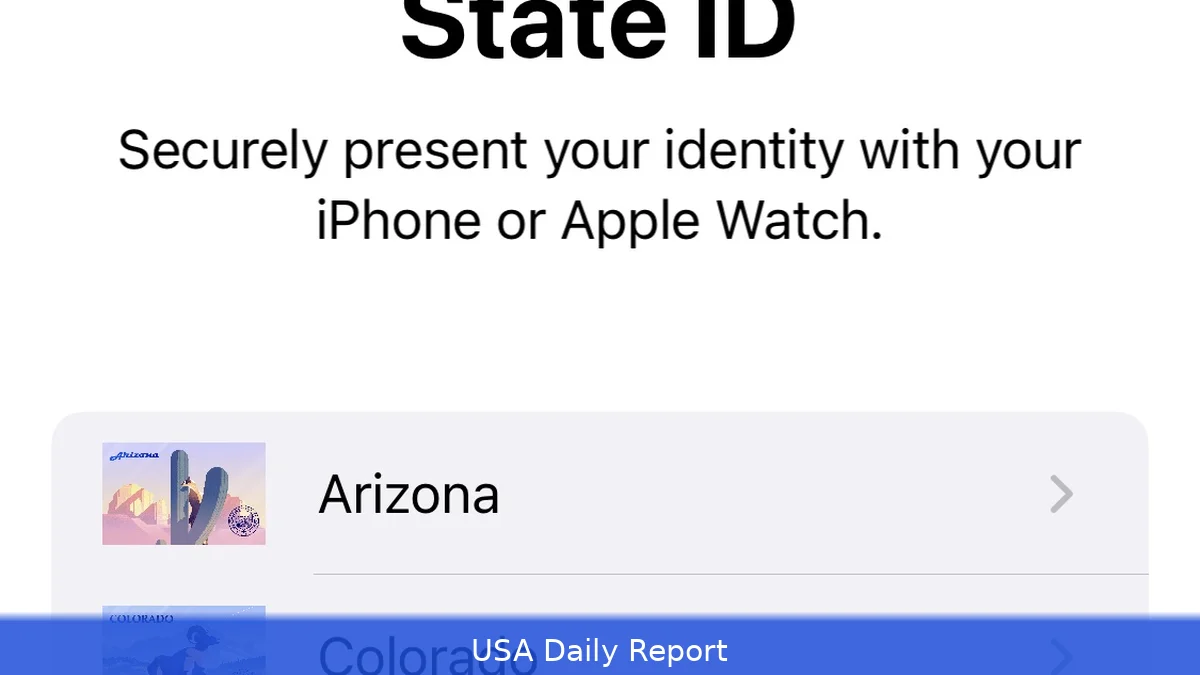
More people are starting to use digital IDs on their iPhones. Right now, 13 states plus Puerto Rico let residents add their driver’s licenses or state IDs to Apple Wallet. Soon, seven more states will join.
How the Digital Driver’s License Works
Apple’s Wallet app allows users to add their driver’s license or state ID and then use the iPhone or Apple Watch to show proof of identity. To set it up, open Wallet, tap the plus sign, pick Driver’s License and ID Cards, then follow the instructions. This digital ID can be flashed at participating TSA airport checkpoints and select businesses, making travel and age verification simpler.
But don’t ditch your physical ID just yet. While TSA accepts Wallet IDs at more than 250 airports for domestic travel, law enforcement agencies don’t. So, carrying a physical ID remains necessary for most situations.
States That Have Joined the Digital ID Program
Currently, 13 U.S. States and Puerto Rico support digital driver’s licenses in Apple Wallet. These states include Arizona, Colorado, Georgia, Hawaii, Iowa, Kentucky, Maryland, Mississippi, Ohio, Oklahoma, Utah, Arkansas, and Texas. Residents in these areas can already add their IDs to Wallet and use them at airports and select locations.
Apple has now announced that Connecticut, Kentucky, Mississippi, Oklahoma, Utah, Arkansas, and Virginia have signed on to join the program. No dates were given for when the feature will launch in these states, but their commitment signals a growing acceptance of digital IDs nationwide.
Airports Where Apple Wallet IDs Are Accepted
The list of airports accepting Apple Wallet driver’s licenses continues to grow. Major hubs such as Baltimore/Washington International, Ronald Reagan Washington National, Denver International, Los Angeles International, and Chicago O’Hare support the feature.
Even smaller airports like Billings Logan and Great Falls International are on the list.
If you're traveling, check TSA signs at checkpoints to see if you can use the digital ID. While hundreds of airports participate, availability can vary, so checking ahead is advised.
Beyond Driver’s Licenses: Digital Passport IDs
For people living in states without digital driver’s licenses, Apple now offers a Digital ID option tied to the U.S. Passport. This lets users scan their passport’s photo page and chip, perform biometric checks like a selfie and head movements, and store this info securely in Wallet. The Digital Passport ID is accepted at the same TSA checkpoints for identity and age verification during domestic flights.
However, this digital passport ID doesn’t replace the physical passport for international travel or border crossings. It only works for domestic TSA checkpoints.
It requires iOS 26.1 or watchOS 26 to function.
Security and Privacy Concerns
Apple uses encryption to protect the data stored in Wallet. When presenting an ID, users choose exactly what information to share — nothing extra gets sent. Apple can’t see when or where you use your Digital ID, adding a privacy layer.
Experts note that this digital ID method builds on digital wallet tech people already trust for payments. Tony Anscombe, a cybersecurity specialist, explained that storing digital identity data in Apple Wallet is a natural evolution as smartphones become central to daily life.
What It Means for Travelers and Consumers
Digital IDs could speed up airport security lines and simplify everyday age or identity checks. But adoption is still limited by which states participate and where the IDs are accepted. Plus, law enforcement agencies haven’t embraced digital IDs, meaning you still need your physical ID for many situations.
The fact that seven more states are joining shows the program is gaining ground. As folks get used to digital IDs on their phones, this might become the usual way to carry and check ID info.
For now, digital driver’s licenses and passport IDs on Apple devices offer a convenient option for domestic travel and select uses. But they remain supplements, not replacements, for physical documents. The rollout to additional states will be worth watching as the technology evolves.


