
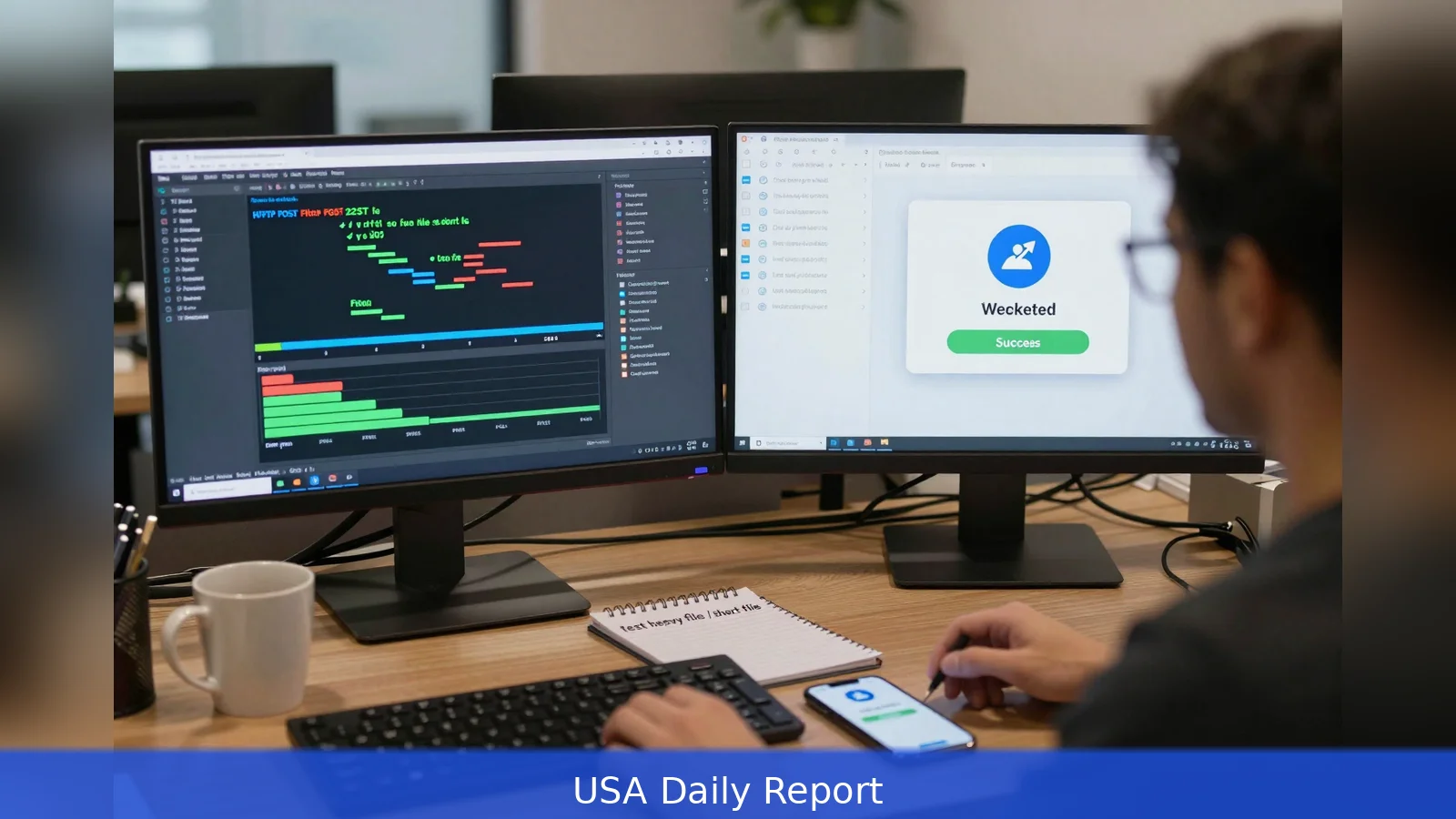
A developer stares at a terminal as a 2 GB MP4 streams to an HTTP endpoint and waits for a webhook to report success. The real question in that moment isn't whether FFmpeg can transcode the file, it's which FFmpeg REST API will do it at the right cost, with the codecs and runtime the product requires. This guide breaks the decision into ten practical steps you can follow, from defining immutable constraints to validating outputs with sandbox jobs and API return fields. Follow these steps to pick an API that meets your control, cost, and operational needs.
Late in a build window, a terminal shows progress bars and an HTTP POST as the team bets on a webhook to close the loop.
That moment encapsulates the question this guide answers: which FFmpeg REST API will execute the job you actually have, not the one you wish you had. Below are ten concrete steps, each with the direct checks you must run before you sign up, pay, or wire an integration into production.
1. Define the job and lock your immutable constraints
The first decision is to write down the job you will submit and the constraints you can't change. On the technical axis make a short list: the exact input formats, required output containers, mandatory codecs, single-job runtime expectations, concurrency targets, storage and egress requirements, and user-facing latency limits. These axes are the ones vendors compare against, and they're the variables that change vendor fit.
Be specific. If you need subtitle burn-in, complex filter graphs, or custom codec flags, call that out. Several providers advertise full raw-FFmpeg argument support, which preserves every option FFmpeg exposes. Others offer template modes that trade flexibility for simplicity. The difference between a service that accepts a structured FfmpegArgs array and one that supports only templates changes what you can do with complex filters, subtitle handling, and codec flags. If a proprietary encoder or a library such as Libfdk-aac is required, treat the presence of that library in the vendor binary as a gating requirement.
2. Match pricing model to your traffic profile
Billing units determine how costs scale when you move from a sandbox to production. There are three common patterns: per-command or per-job pricing, byte- or GB-based billing, and time- or minute-based billing. Each favors a different workload.
Per-command pricing, for example, charges per command irrespective of input size. RenderIO offers command-based pricing and advertises zero egress fees when outputs are kept on Cloudflare R2. GB-based billing can be predictable for short, compute-heavy operations but becomes unpredictable for long-duration transcodes of large files. Time-based billing maps well to predictable-duration jobs but penalizes slow, CPU-intensive work.
Do the arithmetic before you commit. Model costs with sample jobs that mirror expected file sizes, runtimes, and resolutions. Vendor price lists and plan names change frequently; verify current plan prices directly with each provider and build a simple spreadsheet to run alternate assumptions through it.
3. Check runtime, deployment, and platform limits
Not all execution environments can carry the same FFmpeg binary or the same libraries. Serverless hosts and edge runtimes impose package-size limits that can remove codec support. A commonly cited example is that AWS Lambda enforces a 250 MB deployment package cap, which can rule out including certain codec libraries in the execution environment. Edge-first vendors may run commands inside isolated containers at the nearest edge location, which cuts user-perceived latency for global audiences and can store outputs in edge object stores such as Cloudflare R2 with zero egress when you keep data there.
Traditional cloud-hosted services run in fixed regions on AWS, GCP, or Azure. That matters for data residency and transfer costs. If your workflows include very long single-job runtimes, validate maximum allowed runtime. Free tiers often impose short runtime caps, sometimes as low as one minute, while paid tiers commonly raise or remove those caps. Treat runtime caps as functional limits, not negotiable wish-list items.
4. Test concurrency, throughput, and automation hooks
Throughput is concurrency multiplied by per-job speed. Free and starter tiers typically limit concurrent jobs to one or a handful. Paid tiers scale that number. If you plan pipelines with hundreds of simultaneous transcodes, ask vendors for concurrency metrics or explicit performance guarantees. Push vendors for empirical numbers rather than marketing language.

Automation matters. Look for webhook delivery on job completion, explicit job objects in API responses, and clear polling semantics. Many providers include callback fields and return job objects that surface runtimeSeconds and creditsCharged. Those fields let you reconcile usage programmatically, build cost alerts, and automate retries. If the API returns a stable job identifier, use it as the anchor for logs, retries, and cost reconciliation.
5. Confirm codec coverage and FFmpeg build details
Ask vendors to document which codec libraries are included in their FFmpeg builds. If you rely on a library such as Libfdk-aac or a proprietary encoder, verify its presence. Services that expose raw FFmpeg args give you as much control as a local binary. Others expose plain-English AI endpoints or instruction-based APIs that translate high-level prompts into FFmpeg commands. Those AI-assisted endpoints can speed up simple tasks, but treat them as convenience layers. Always validate, in a sample job, that the exact codec flags and container options you need are being used.
Insist on a build manifest or a dependable way to reproduce the binary if codec licensing or bit-exact behavior matters for compliance or quality.
6. Inspect storage, egress, and lock-in implications
Storage models move cost and portability risk. Some providers store results in a native object store with no egress fees to that tier. Edge providers that combine processing with edge object storage create low-cost pipelines for global apps, but they can increase lock-in if you later need to migrate outputs out of the provider's storage. Conventional cloud-hosted providers may write outputs to buckets in your cloud account, preserving portability but exposing you to cloud egress fees.
Decide whether zero egress inside a vendor's storage is worth the potential migration complexity. If it's not, insist that the provider let you direct outputs to your own cloud buckets and prove a migration path.
7. Evaluate self-hosting tradeoffs
If vendor limits are unacceptable, self-hosting remains an option. There are three common approaches: serverless hosts such as AWS Lambda, container-based execution like GCP Cloud Run, or bare-metal and VM fleets. Serverless reduces ops work but risks binary size and codec availability limits. Container-based deployments give you control over compile flags and the FFmpeg binary while keeping infrastructure overhead moderate. Bare-metal or managed VMs give the most control for codec support, throughput tuning, and cost per CPU minute, but they increase operational complexity and personnel costs.
If you choose to self-host, run a small, representative workload and measure total cost, including storage, orchestration, network egress, and personnel time. The exercise will surface hidden costs that vendor pricing can mask.
8. Use a sandbox and real sample jobs to validate cost and quality
Free tiers and playgrounds are the fastest way to validate both cost math and output fidelity. Free tiers vary widely. Some let you start without payment details and provide tens or hundreds of minutes or gigabytes for free, but those tiers commonly include short per-job runtime caps and low concurrency.
Run your heaviest representative job and your shortest representative job in each vendor sandbox. Capture processing time, file sizes, returned quality metrics, and API fields such as runtimeSeconds and creditsCharged. Those returned fields let you reproduce the billed units in staging and extrapolate to monthly volume. Where vendors provide example API responses, use the response fields to feed your cost model directly.
9. Confirm enterprise needs, SLAs, and community support
If you need formal SLAs, multi-region failover, or priority support, ask vendors for an enterprise contract and explicit availability targets. Modern startups may have attractive pricing and architectures, but they sometimes lack large user communities and extensive third-party tutorials. Established providers often deliver predictable behavior, deeper documentation, and community knowledge you can reuse in debugging. Factor community and third-party material into your risk calculus if you expect to debug rare codec or pipeline failures in production.
10. Lock the integration pattern and operationalize monitoring
Design a production integration pattern before the first live job. Include job queuing, retry logic for transient failures, cost alerts tied to usage fields, artifact lifecycle rules for stored outputs, and a stable job identifier for reconciliation. Where templates exist, prefer them to reduce human errors, but keep the ability to fall back to raw-FFmpeg args for edge cases. Use the provider's webhook callbacks and runtime metrics to drive alerts and billing reconciliation.
Operationalize observability so that your cost controller or SRE can answer three questions quickly: which jobs are running, what they cost, and where the output artifacts live. If your API surfaces runtimeSeconds and creditsCharged in job objects, wire those fields into your monitoring stack and your billing alerts.
Worked scenario: pick one heavy file and one short file, run both through two candidate providers' free tiers or playgrounds, and compare output fidelity, runtimeSeconds, and billed units returned in the API responses. Capture the codec flags used and the container bitstream. That single comparison will reveal whether the vendor's advertised AI convenience or template model preserves the flags you actually need.
Below are practical checks you can run in a sandbox. First, submit a long, 2 GB MP4 that uses the codec and subtitle format you care about and verify the returned job object includes runtimeSeconds and creditsCharged.
Second, submit a 10 second MP4 to validate startup latency and webhook reliability. Third, test concurrency by running the heavy job multiple times in parallel within the free tier's limits to see how runtime scales.
Finally, document the one integration pattern you will use in production. Include the template name or the exact ffmpegArgs array, the storage target for outputs, and the alert thresholds for runtimeSeconds or creditsCharged. Lock that documentation in your repo so future engineers don't reintroduce variability.
Related Articles
- Faceless YouTube Channel: 9 Steps to Build Income with AI
- Buy E-Commerce Businesses Below Market Value in 2026
- 7 Steps to Find the Cheapest Electricity Plan Fast
Pick one heavy file and one short file, run both through two candidate providers' free tiers, and compare output fidelity, runtimeSeconds, and the billed units returned in their API responses.
This article was created with AI assistance.


