
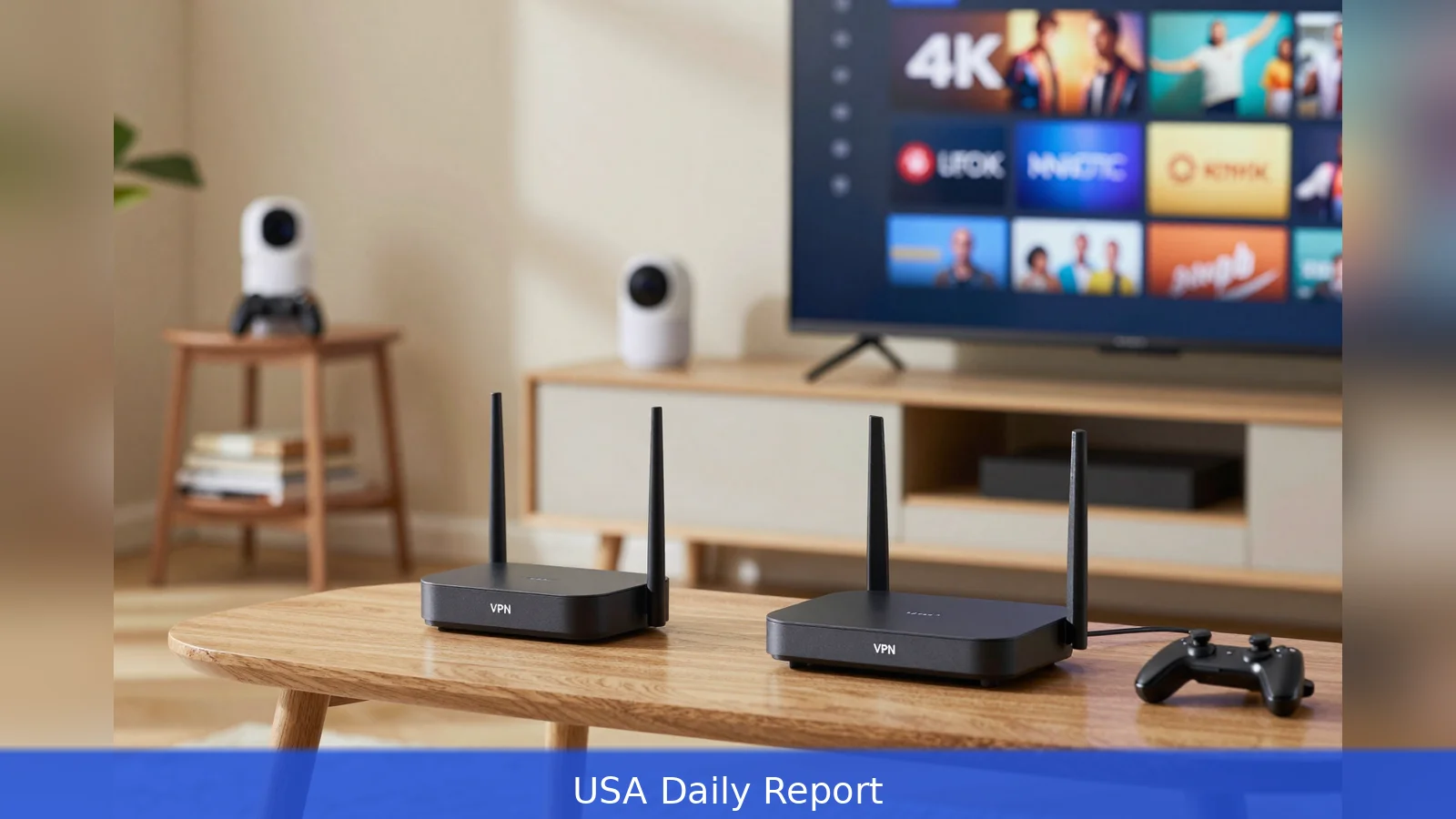
A stack of blinking smart-home hubs, a paused 4K stream and a travel router unplugged on the kitchen counter make the problem obvious: every device leaks metadata unless the network itself is defended. Multiple reviewers ran multi-week lab tests and home trials and found a VPN router is the most practical 2026 solution for smart TVs, consoles, cameras and IoT devices that can't run VPN apps individually. Test labs recorded VPN throughput drops from roughly 30 percent up to 80 percent depending on CPU and protocol. Reviewers still identified clear winners for beginners, value buyers and power users. If you pick the preconfigured ExpressVPN Aircove reviewers praised, the documented path is immediate: connect the unit, enter your ExpressVPN credentials and pick a default server to finish setup.
In testing rooms and consumer homes, editors measured exactly how hardware and firmware choices change real-world VPN performance, setup friction and privacy protections. Reviewers ran sustained VPN tunnels across a range of devices and recorded predictable trade-offs: lower CPU power and older protocols equal bigger speed hits, while modern chips plus WireGuard or vendor-optimized protocols narrow the gap. That reality is the foundation for every recommendation below.
1. Three operational paths and which one fits you
Start by matching your technical comfort and budget to one of three router categories reviewers used as their decision tree. Preconfigured VPN routers come with a single VPN vendor baked into firmware, and they're intended for non-technical buyers who want near-zero friction. PropelRC praised the ExpressVPN Aircove for plug-and-play simplicity, device grouping and a guided web setup that reviewers said lets users enter credentials and select a default VPN server in under 10 minutes. The trade-off is vendor lock in: the Aircove requires an active ExpressVPN subscription and restricts you to that provider's ecosystem.
VPN-ready consumer routers are mainstream models that expose a client in stock firmware so you can import OpenVPN or WireGuard files from almost any provider. Asus and TP-Link hardware show up repeatedly in reviewer lists because they balance performance, price and user interfaces. Examples reviewers flagged for value include the ASUS RT-AX1800S, which PropelRC mentioned as an affordable, VPN-ready option with AiMesh compatibility and a street price under $70, and TP-Link Archer AX55 and Archer AX21, which MamaLinux listed among solid value VPN-capable choices.
The third path is open firmware or flashed routers, aimed at advanced users who want maximal flexibility. These units run OpenWrt, DD-WRT or community builds and let you craft advanced routing rules, selective tunneling and tighter DNS controls. MamaLinux tested multiple OpenWrt-capable GL.iNet devices and recommended them because the vendor ships OpenWrt and WireGuard/OpenVPN preinstalled on several models, reducing the friction of flashing while preserving power-user features.
2. What the lab numbers actually mean for your home
Reviewers made the same basic point in measurements: expect a hit when you put a VPN on every device at the router level, but the size of that hit depends on CPU, ports and protocol. PropelRC ran a 60-day test of 10 models and logged VPN throughput reductions ranging from about 30 percent up to 80 percent.
In practical terms PropelRC reported the ExpressVPN Aircove averaged roughly 150 to 200 Mbps when attached to a 500 Mbps link, a roughly 60 percent reduction from the raw ISP rate but still enough for 4K streaming and most gaming in the reviewer’s view.
Higher-performance hardware narrows the gap. Reviewers found that modern midrange routers with robust CPUs and 2.5G ports can deliver far higher wired VPN throughput. Reviewers also emphasized that WireGuard typically yields higher throughput and lower latency than OpenVPN, and recommended it as the default for users chasing performance.
Security trade-offs are about more than raw speed. Reviewers repeatedly prioritized native WireGuard support or hardware acceleration, the presence of 2.5G ports for fiber users, router-level selective routing or split tunneling. A kill switch that blocks traffic if the VPN drops. MamaLinux and CyberInsider also highlighted DNS privacy options like DNS over HTTPS and built-in ad and tracker blocking as valuable network-wide protections that reduce the need to configure each device individually.

3. Model-level winners and the practical use cases they fit
Model-specific recommendations in 2026 map cleanly to use cases. For most non-technical households the consensus pick among reviewers was the ExpressVPN Aircove. PropelRC named it the best preconfigured VPN router for most users in 2026 due to its seamless ExpressVPN integration, device grouping capabilities, and pre-configured setup that eliminates complex installation. The Aircove runs ExpressVPN’s Lightway protocol on a quad-core CPU, which reviewers credited for the device’s measured throughput figures.
Value buyers who want a familiar vendor interface without a steep learning curve have multiple options. PropelRC called out the ASUS RT-AX1800S for affordability and AiMesh compatibility, and MamaLinux recommended TP-Link’s Archer AX55 and Archer AX21 as solid budget VPN-capable routers. These models let you import OpenVPN or WireGuard configs and operate as VPN clients without flashing third-party firmware.
Power users who want maximum VPN throughput and full OpenWrt flexibility gravitated toward GL.iNet’s higher-end models. MamaLinux recommended GL.iNet devices for native OpenWrt support, roomy RAM on certain models, and travel-friendly configurations for converting public Wi-Fi into a secure, routed network.
One reviewer suggested a middle path: Asus routers that come bundled or pre-flashed by reputable third-party sellers. That route can save the user from a risky manual flash while keeping the flexibility of a VPN-ready platform.
4. How to set one up without bricking the device
If you decide to protect a whole network, reviewers outlined three safe setup approaches. CyberInsider summarized the options as: buy a preconfigured router, use a VPN-ready router with the provider’s connection files, or flash community firmware and perform a manual setup. Each approach comes with a different failure profile.
First, measure needs. Count the devices that need protection, measure your ISP link and decide whether you require mesh coverage or a travel-capable unit. That data should drive whether you buy a single-unit router, a mesh system or a compact travel router for frequent offsite use.
Second, pick the category that matches your comfort. Preconfigured routers minimize setup mistakes and eliminate the flashing step that commonly causes failures. CyberInsider and other reviewers recommend this option for beginners because it removes the biggest single risk: a failed firmware flash. Third, align hardware to performance goals. Expect a 30 percent to 80 percent VPN throughput hit in real-world usage and prefer WireGuard or a vendor-optimized protocol when you need higher throughput.
Fourth, verify compatibility with your VPN provider. Some preconfigured routers lock you to a single provider, while VPN-ready and flashed routers accept standard OpenVPN or WireGuard files. Fifth, prepare for installation by backing up current configurations, downloading vendor instructions and provider connection files, and, if you plan to flash firmware, studying vendor flashing tools and recovery steps. PropelRC recounted consumer anecdotes of bricked hardware after a failed flashing attempt and recommended having recovery images and vendor documentation on hand before you begin.
Sixth, test after installation. Use a mix of wired and wireless devices to check throughput and run leak tests. Enable router-level features such as selective routing and a kill switch when available. Reviewers also suggest turning on DNS privacy features and network-wide ad blocking when supported to complement the VPN and reduce per-device configuration.
5. Practical trade-offs to accept up front
Buyers must accept that a router-level VPN isn't a free upgrade. It consolidates protection across devices, but it also centralizes the performance cost. Expect these trade-offs in reviewing the options. Lower-cost hardware will throttle your VPN throughput more severely. Older protocols like OpenVPN will be slower and add latency compared with WireGuard, while vendor-optimized protocols such as ExpressVPN’s Lightway can deliver better performance on hardware that vendor controls. Finally, flashing to OpenWrt or DD-WRT gives you power and flexibility but invites a higher technical bar and the risk of bricking unless you follow vendor instructions and keep recovery images handy.
Those trade-offs explain why reviewers split recommendations by use case rather than naming a single universal winner. If you want zero friction and a guided path, test labs and reviewers point to the ExpressVPN Aircove. If you want the lowest cost and mainstream support, Asus and TP-Link VPN-ready models deliver balance. And if you want full throughput and advanced routing, GL.iNet’s higher-end models return strong WireGuard performance while preserving OpenWrt’s flexibility.
In all cases reviewers stressed one point: a VPN subscription is usually separate from the hardware purchase. Even with a preconfigured router most buyers will need an active VPN account to finish setup and to keep the router’s network protected.
Related Articles
- 10-step guide to choosing an FFmpeg REST API in 2026
- Faceless YouTube Channel: 9 Steps to Build Income with AI
- Buy E-Commerce Businesses Below Market Value in 2026
If you buy the ExpressVPN Aircove, reviewers say setup is immediate: plug it in, open the web interface, enter your ExpressVPN credentials and pick a default server to finish in under 10 minutes. If you choose a VPN-ready Asus or TP-Link, download your provider’s OpenVPN or WireGuard files and bench them against your ISP link. If you prefer OpenWrt flexibility, back up configs, have vendor recovery images handy and expect to trade convenience for control. Expect a 30-80 percent VPN throughput hit; prefer WireGuard for best real-world speed.
This article was created with AI assistance.


