
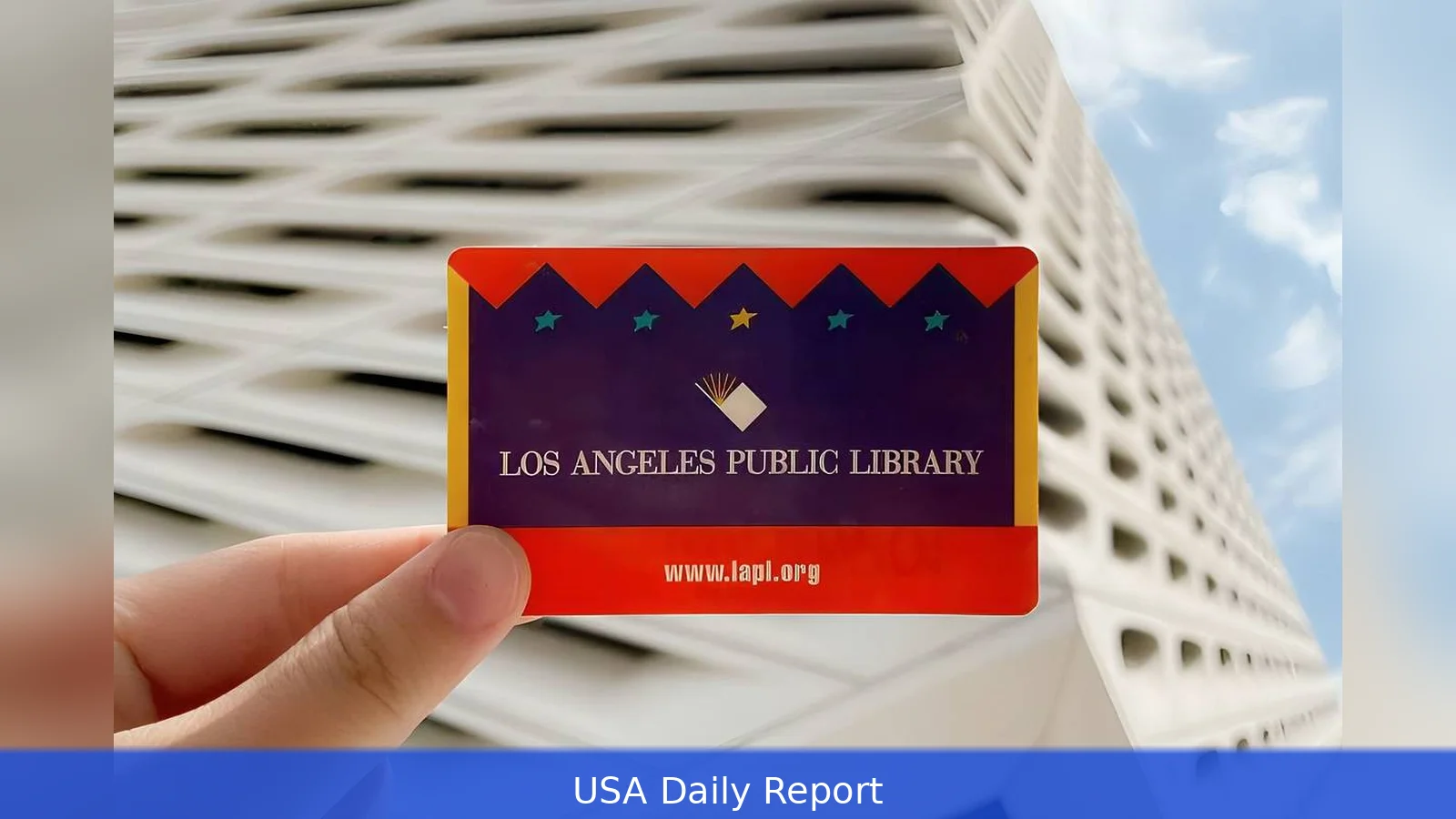
Want a Los Angeles library card in 2026? It’s fast, usually free for residents, and lets you borrow books, stream media, and use research databases. This guide walks through prerequisites, exact steps (online and in-branch), costs, rules for kids, and the common mistakes people make.
Quick-reference summary
Here’s the short version — keep it handy.
- Who’s eligible: Residents of the City of Los Angeles use Los Angeles Public Library (LAPL). County residents outside the city use LA County Library. Both offer free basic cards to residents as of 2026.
- Online eCard: Instant digital access — apply at https://www.lapl.org/get-card or https://lacountylibrary.org and get an eCard in minutes.
- In-person full card: Bring photo ID and proof of address dated within 30 days. Upgrade your eCard to a full card at any branch.
- Fees: Resident cards are free. Replacement cards typically cost $2.00. Non-resident or reciprocal fees vary by system (see branch pages).
- Card expiry: Most cards must be renewed every 3 years; renew in person or online.
Prerequisites
Before you start, gather this stuff. It'll save time.
1) Proof of identity: valid photo ID — driver’s license, California ID, passport or other government photo ID.
2) Proof of address: a recent (within 30 days) utility bill, lease, bank statement, or government mail that shows your current address. Some branches accept digital copies.
3) For minors: a parent or legal guardian must sign. Bring the guardian’s ID and proof of address. Many branches let teens get a teen card with a different set of borrowing limits.
4) Internet access if applying online: you can complete the eCard form from a phone or computer. Branch kiosks are also available.
Step-by-step: Apply online and pick up or use immediately
Follow these numbered steps for the fastest path.
Option A — Apply for an eCard online (fastest)
1) Go to https://www.lapl.org/get-card for Los Angeles Public Library or https://lacountylibrary.org for LA County Library. You can register for an eCard online with either system and start using many of their digital collections right away.
2) Complete the online form with your name, birthdate, address, phone number and email — it only takes a few minutes. Create a PIN or password — you’ll use that at self-checkout and to access your account.
3) Verify your email. The library sends a confirmation — follow the link to activate your eCard. That usually happens within minutes.
4) Once your eCard is active you can access digital materials — apps such as Libby, hoopla and Kanopy are commonly supported, along with the library’s own e-collections. ECards typically let you check out e-books, audiobooks, databases and streaming services immediately.
If you also want to borrow physical items, stop by a branch and staff can convert the eCard to a full account.
Option B — Apply in person for a full physical card
1) Go to any branch of LAPL or LA County Library. Branch locations are listed at the two home pages above.
2) Bring your ID and proof of address. If your ID shows your address, that’s usually enough. If not, bring a current utility bill or lease (dated within 30 days).
3) Fill out the registration form at the desk or kiosk. Staff will issue a library card number and either give you a physical barcode card or let you link a mobile barcode to your phone.

4) Ask staff to set or reset your PIN. This PIN is used for self-checkout and online renewals.
5) If you already have an eCard, present the same ID and staff will convert it to a full card — you’ll get a physical card if you want one.
Special cases
If you’re experiencing homelessness, the libraries often accept alternative ID or proof-of-address options — call or visit a branch to find out what they require.
Temporary residents and visitors can often get short-term or eCards at many branches; check the branch website for specifics because rules and available digital services vary. Non-resident reciprocity varies. If you live outside LA County, check your home library or ask about reciprocal borrowing agreements.
Costs, limits and rules (2026)
Here are the usual numbers and rules to expect in 2026.
• Resident cards: Free for qualifying residents of the City of Los Angeles (LAPL) and for LA County residents where LA County Library serves. That’s the basic card for borrowing and digital access.
• Replacement card: Most branches charge around $2.00 to replace a lost or damaged physical card.
• Non-resident cards: Fees vary by system and year. Some systems charge a yearly non-resident fee; check the branch webpage for the exact dollar amount before you apply.
• Expiration and renewal: Cards commonly expire every 3 years. You can renew online or in person by confirming your address and contact info.
• Overdue fines: As of 2026, many Los Angeles libraries no longer charge overdue fines on most circulating items — but fees for lost items, special collections, interlibrary loan replacements, or laptop kiosk replacements still apply. For example, LA County Library laptop kiosks require same-day return — failure to return a kiosk laptop on the checkout day can result in full replacement charges.
Tips to get a card fast and avoid problems
1) Apply online first — the eCard usually lets you tap into digital collections right away, then visit a branch later if you need a physical card. Upgrade in person if you want physical borrowing.
2) Bring two proofs if possible: a photo ID and a recent bill. It cuts wasted trips. If your ID shows your current address, that often suffices.
3) Ask about mobile cards: many branches offer a barcode you can add to Apple Wallet or Google Wallet — no plastic needed.
4) Set a simple PIN you’ll remember — it’s used for renewals and curbside pickup.
5) Keep contact info current in your account. The library will use email or phone to reach you about holds and overdue items.
Common mistakes to avoid
1) Showing an old utility bill. Proof of address should be recent — most branches expect mail dated within 30 days. If your bill is older, bring a second document or ask branch staff what they accept.
2) Assuming every library system is the same. The City of Los Angeles (LAPL) and LA County Library run different programs and branches. If you live inside the city limits, use LAPL. Outside the city, use LA County Library. If you live near a city with its own public library (Long Beach, Pasadena, etc.), check that city’s library rules.
3) Not updating a changed address. Cards may be suspended if your mailing address is out of date and fines or charges are sent to a previous address.
4) Checking out specialty equipment without reading rules. Laptop kiosks, hotspots and tech kits have special rules — for instance, LA County Library kiosk laptops must be returned same day or you may be charged the full replacement cost.
Alternatives and comparisons
• City vs County: LAPL focuses on services inside Los Angeles city; LA County Library covers many cities and unincorporated areas across the county. Both give digital access, but specific programs and branch hours differ — check the branch page.
• Other nearby systems: Long Beach Public Library and Pasadena Public Library serve their cities separately. If you live in those cities, get the local card for best access.
• Statewide resources: If you’re a California resident, your local library card often links to state library resources and interlibrary loan systems for items your home branch doesn’t own.
Where to get help
If you’re stuck, ask a librarian. Visit a branch help desk or use the chat/ask-a-librarian option on the system websites: https://www.lapl.org (City of LA) and https://lacountylibrary.org (LA County). You can also find contact details and branch hours on those sites. USA.gov lists library services and links to local libraries if you need federal-level guidance.
Related Articles
- Spectrum Mobile Prices 2026 — Cost by Plan
- How to Keep Your Security Deposit 2026
- How to register for Dallas College classes 2026
Applying for a Los Angeles library card in 2026 is fast: get an eCard online in minutes, upgrade at any branch with ID and proof of address, and you’ll have access to millions of items and streaming services. Keep your contact info current, know the simple rules for equipment and replacements, and ask a librarian when in doubt.
This article was created with AI assistance.


