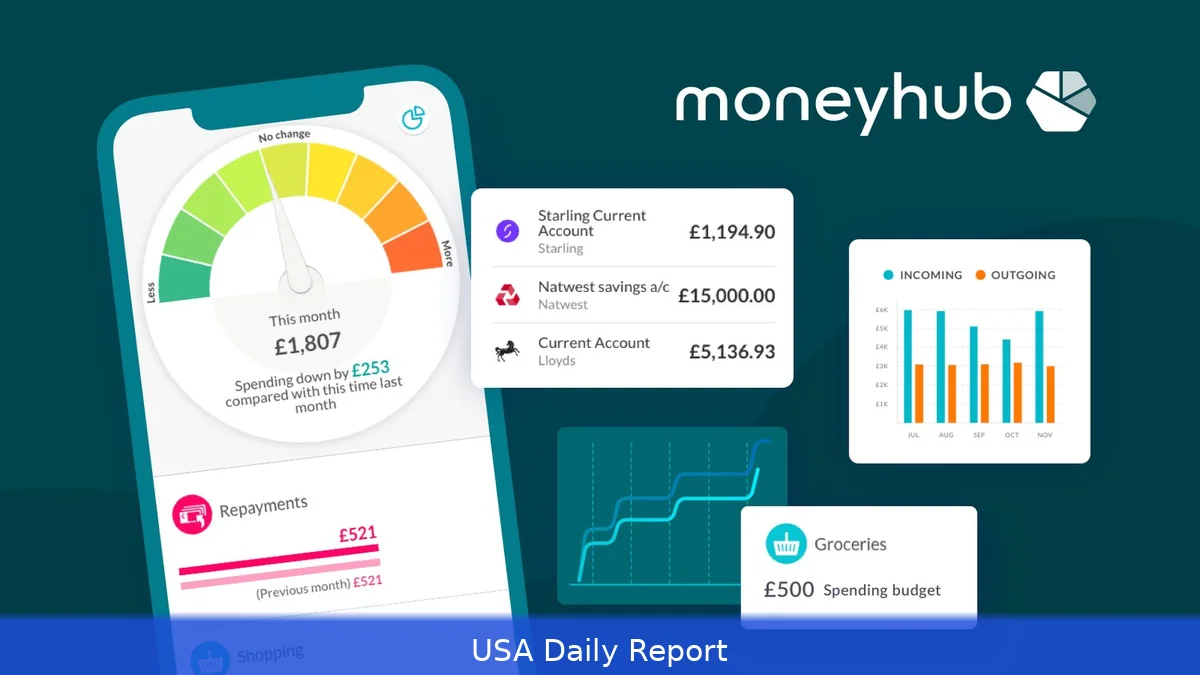
If you want to keep your finances in check in 2026, managing your money wisely is essential. Costs are going up and the financial world keeps shifting, so more people are turning to apps that help them track spending, save money, and budget. We checked out three popular apps—Emma, Plum, and Monzo—to find out how they serve US users trying to manage their money better.
Quick Comparison of Top Money Management Apps
- Emma: Budgeting, expense tracking, subscription management.
- Plum: Automated savings, investment options, bill negotiation.
- Monzo: Mobile banking, real-time notifications, budgeting tools.
1. Emma
Key Features: Emma links up with several bank accounts so you can track your spending and manage budgets in one place. It shines at identifying recurring subscriptions and helping users cancel unwanted ones to avoid wasteful spending. The app delivers real-time notifications about transactions and provides detailed spending insights, including category breakdowns, trends over time, and personalized recommendations. Emma supports over 60 financial institutions, primarily UK-based but with increasing US bank integrations as of 2026.
Pros: Emma’s subscription tracking is a standout feature, alerting users to forgotten or duplicate payments, which can save an average of $15-$30 monthly according to user reports. The clean, intuitive interface is easy to navigate for users of all tech levels. Its budgeting tools offer customizable categories and savings goals. Emma also provides insights into credit score changes and financial health with its premium tier.
Cons: Emma’s premium plan costs $5.99/month or $49.99/year, which might be steep for casual users who just want basic tracking. Some US bank integrations are limited due to its UK focus, potentially reducing data accuracy or coverage for American users.
Credit score tracking and advanced analytics require the premium subscription. Customer support can be slower during peak times.
Best For: Users who want detailed budgeting and subscription control with an emphasis on UK financial institutions but are comfortable with limited US bank support. Also good for those who want a no-fuss app to identify and cancel unnecessary subscriptions.
Pricing: Free basic version; Premium at $5.99/month or $49.99/year.
2. Plum
Key Features: Plum looks at how you spend and automatically saves small amounts for you, so you don’t have to think about it. It’s designed to make saving effortless by linking to your bank accounts and calculating safe withdrawal amounts daily. Plum also offers investment options, including ETFs and stocks, with fees starting at 0.45% annually.
Its bill negotiation service aims to lower utility bills by contacting providers on your behalf, potentially saving up to 20% on energy bills, based on Ofgem data relevant to 2026.
Pros: The automation feature removes the hassle from saving, making it accessible even for users who struggle to set money aside. Plum’s investment options allow users to grow their funds directly within the app, with clear fee structures and diversified portfolios. Bill negotiation can reduce monthly expenses significantly, especially for energy and internet bills. Plum also provides personalized financial insights and spending reports, helping users understand where their money goes.
Cons: The app charges a monthly fee of $3.99 for full access, which may be a barrier for some. Investment options require a minimum balance of $100, which might exclude users with limited funds.
Bill negotiation success varies depending on providers and user location, so savings aren’t guaranteed. Some users report occasional syncing issues with certain US banks.
Best For: People who want a hands-off approach to saving and investing, plus those looking to cut down on utility bills without negotiating themselves. Ideal for users comfortable with a small monthly fee to access automated services.
Pricing: Free basic plan; Premium at $3.99/month.
3. Monzo
Key Features: Monzo is a bank designed for mobile users that combines full banking services with tools to manage your money. It provides real-time notifications for all transactions, budgeting features that categorize spending automatically, and instant balance updates. Monzo also offers savings pots, overdraft facilities, and fee-free spending abroad. It’s known for its user-friendly app and strong customer service.
Pros: Monzo’s real-time notifications help users stay on top of their spending immediately. Budgeting tools are built into the banking experience, so no need to sync multiple apps. Savings pots allow users to set aside money for specific goals with interest rates up to 1.5% annually on eligible accounts. The app supports joint accounts and offers features like bill splitting, making it social and practical. Monzo’s fee-free ATM withdrawals and no foreign transaction fees benefit travelers.
Cons: Monzo’s basic account has limited overdraft facilities compared to traditional banks. Some users find the budgeting categories too broad or lacking customization options.
The bank operates primarily online, which might be a downside for those who prefer in-person banking. Premium plans cost $8/month, which might be costly for simple banking needs.
Best For: Users who want a fully digital bank with integrated money management, real-time updates, and goal-based savings. Great for people who travel or need easy joint account features.
Pricing: Free basic account; Premium at $8/month.
How We Chose
We focused exclusively on apps available to US consumers in 2026 that offer a range of money management tools—budgeting, saving, investing, and banking. We looked for apps with transparent pricing, solid user reviews, and features that address common financial challenges like subscription creep, saving difficulties, and bill management. We analyzed data on pricing, bank compatibility, user interface quality, and additional perks like bill negotiation and investment options. Our goal was to highlight apps that cover different needs so readers can pick what fits their lifestyle and financial goals best.
Emma, Plum, and Monzo each offer solid money management options for 2026, but they serve different needs. Emma stands out for subscription tracking and detailed budgeting, especially for users comfortable with some UK bank support. Plum makes saving and investing effortless through automation and adds value with bill negotiation services. Monzo combines mobile banking with real-time spending alerts and goal-based savings, ideal for users wanting an all-in-one digital bank. Your best app depends on what features matter most—subscription control, automated saving, or integrated banking.


