
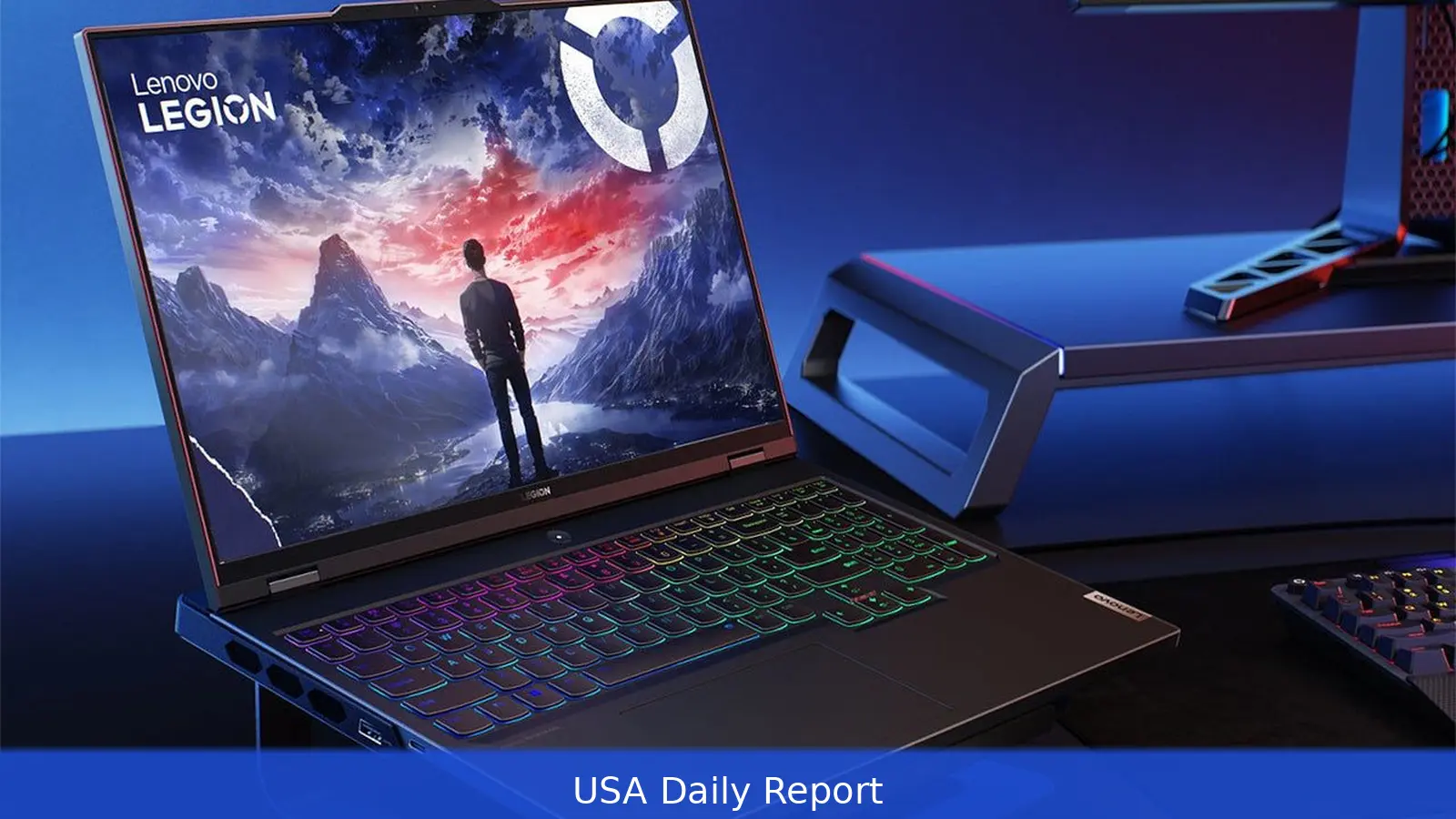
Some gaming laptop OLEDs now top 1,000 nits, giving HDR a punch without big frame-rate hits. Manufacturers are pairing those bright screens with current-generation mobile GPUs — like the RTX 5070 Ti — bringing desktop-like power to clamshell designs. This roundup highlights standout 2026 models and the trade-offs across performance, value and budget.
Performance class: desktop-like power in a clamshell Manufacturers are pushing gaming laptops into territory that used to be reserved for desktops. Thin-but-powerful machines now carry high-end mobile GPUs such as the RTX 5070 Ti, and some OLED panels can hit more than 1,000 nits for better HDR in games. That combination lets players get bright, punchy images without taking a hit to framerate. Example: Lenovo Legion 7i Gen 10 - Pairs a glossy OLED capable of very high brightness with top-tier mobile graphics (offers RTX 5070 Ti options). - Chassis is relatively slender (about 0.7 inches thick) with ports moved toward the rear for a cleaner side profile. - Designed to balance high performance with a polished, compact feel suitable for gaming and creative work. Thermals, weight and battery trade-offs - Thicker bodies with larger fans sustain peak clock speeds longer but add weight. - Slimmer frames can hit high performance but often at the cost of louder fans or modest power caps. - Buyers should weigh raw frame rates against keyboard comfort, screen brightness and connectivity needs. Where to spend: value picks near $1,000 If your budget sits near $1,000, there are models that prioritize frame rates over frills. Lenovo’s LOQ 15, sold under a budget-focused subbrand, focuses on performance-oriented configurations and often offers more modern discrete graphics at a lower price than comparable machines. For many gamers who want the best performance available around $1,000, the LOQ 15 is repeatedly recommended. The $1,000 segment remains crowded, and many laptops at or below that price may still use older GPUs such as the RTX 4050 or RTX 3050. Those cards are capable but represent previous-generation hardware and may need replacement sooner than current-generation options. Spending a bit more to jump to a recent GPU can be a smarter move for longevity. Cheaper alternatives and the trade-offs There are cheaper laptops worth considering, but expect compromises: - Acer Nitro V 16: often available at low prices and ships with RTX 5050 configurations. Competent for its GPU but with uneven screen quality and power delivery. - Power supply limits: some budget machines ship with adapters (for example, 135-watt units) that can struggle to keep batteries charging in aggressive Performance modes. Under sustained heavy load these systems may slowly discharge while plugged in or throttle to stay within thermal and power limits. Understanding these trade-offs—performance, thermals, battery behavior and screen quality—helps buyers match a laptop to their priorities. This matters because thin clamshells are closing the gap with desktops: OLED panels above 1,000 nits paired with mobile GPUs like the RTX 5070 Ti let players get bright HDR and sustained frame rates without a bulky tower. That shift changes the trade-offs buyers weigh when choosing between portable builds and desktop replacements.Related Articles
- LG, Samsung 65-inch 4K OLEDs Drop to $1,299
- Intel's non‑Ultra Core chips get new Wildcat Lake silicon
- Google expands Gemini in Chrome to seven Asia‑Pacific countries
For desktop-like performance in a clamshell, the Legion 7i Gen 10 (about 0.7 inches thick) with RTX 5070 Ti options is the clear pick. If your budget is around $1,000, the LOQ 15 delivers the best value performance. For the cheapest entry, consider the Acer Nitro V 16 — expect compromises in screen quality and power delivery.
This article was created with AI assistance.


