
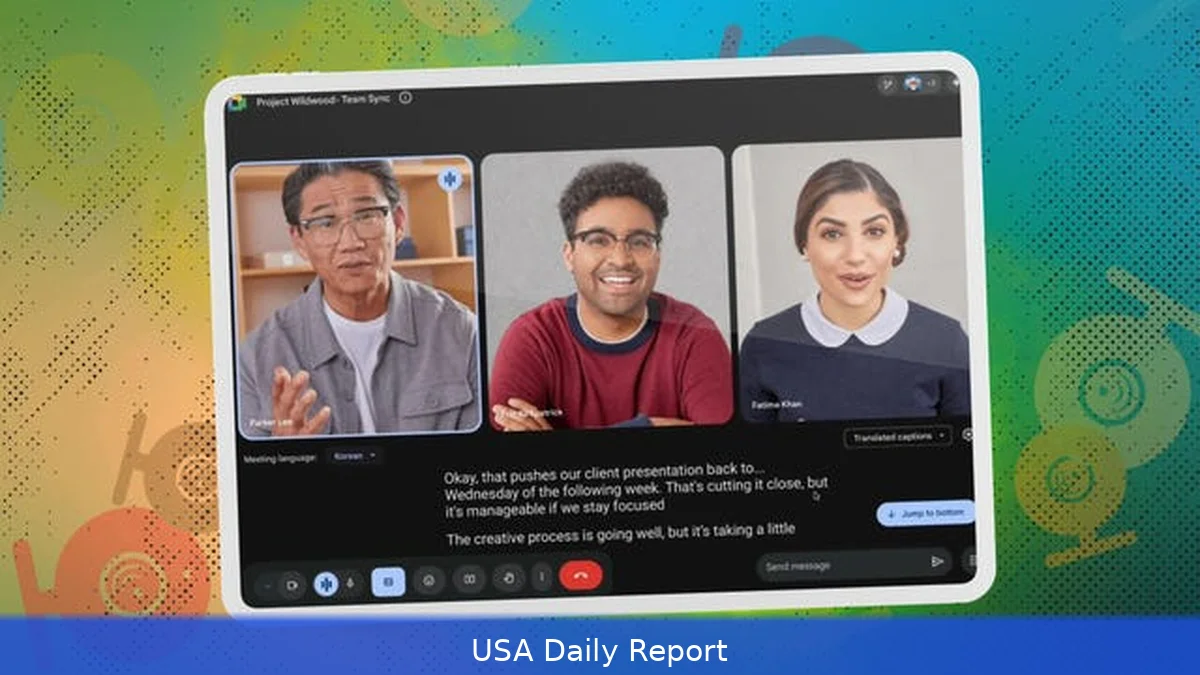
Zoom changed how we meet. But it's not the only option anymore. In 2026, plenty of services can outcompete Zoom on price, security, features or scale — depending on what you actually need. This guide runs through ten solid Zoom alternatives, shows US pricing, who should use each one, the key features, and the real migration steps teams use. Use the quick comparison up top to pick fast, or read the short reviews for the detail.
Quick reference — top picks at a glance
- Microsoft Teams — Best if your organization already runs Office 365. Teams Essentials starts at about $4 per user per month; Business Basic is roughly $6 per user per month.
- Google Meet (Workspace) — Best for Google-first teams. From $6/month per user (Business Starter).
- Cisco Webex — Best for regulated industries. Plans from $14.99/host/month.
- RingCentral Video is a good pick if you want phone and video on one bill — entry plans run in the high teens per user per month, before add-ons.
- GoTo Meeting — Best simple, reliable meetings. Plans from $14/organizer/month.
- Zoho Meeting is the low-cost, easy-to-manage choice; basic plans begin at roughly $3 per host per month.
- BlueJeans — Best for high-quality audio/video and events. Around $12.49/host/month.
- Jitsi Meet — Best free, self-hosted open-source option. No license fees.
- Whereby — Best for small teams and external calls. Pro $9.99/month billed annually.
- Slack Calls — Best for casual team huddles and Slack-first teams. Included with Slack paid plans (Standard $8/user/month).
1. Microsoft Teams
Key features: Integrated chat, calendar and file storage; background blur and AI noise suppression; meeting recordings saved to OneDrive/SharePoint; Teams Rooms hardware support; live captions and transcription.
Pros: Deep Microsoft 365 integration, enterprise-grade compliance, large meeting support (up to 1,000 interactive participants on certain plans), single-sign-on with Azure AD.
Cons: Can feel heavy for small teams; admin settings are complex; desktop client updates sometimes disrupt workflows.
Who it's best for: Companies already on Microsoft 365, IT-managed organizations, and anyone who needs single-console for mail, docs and meetings.
Honestly, pricing (2026): Teams Essentials $4/user/month (monthly), Microsoft 365 Business Basic $6/user/month (annual), Business Standard $12.50/user/month, Enterprise E3 $36/user/month.
2. Google Meet (Google Workspace)
Key features: Browser-first meetings with minimal installs, live captions in multiple languages, noise cancellation, meeting recordings to Google Drive, breakout rooms, attendance reports.
Pros: Fast setup, excellent calendar integration with Google Calendar, good mobile performance, straightforward admin console.
Cons: Feature depth lags Microsoft in collaboration tooling; larger events require higher Workspace tiers.
Who it's best for: Organizations using Gmail and Drive, education teams, startups that prefer browser-native tools.
Pricing (2026): Google Workspace Business Starter $6/user/month, Business Standard $12/user/month, Business Plus $18/user/month; Enterprise pricing available on request.
3. Cisco Webex
Key features: High-quality audio, strong encryption options, breakout sessions, robust event and webinar features, dedicated room system integrations.
Pros: Built for security- and compliance-sensitive customers, solid PSTN dial-in coverage, native device interoperability.
Cons: Higher cost for advanced features, admin learning curve, UI has been rebuilt several times which can confuse users.
Who it's best for: Healthcare, government, enterprise teams that need on-prem or strict compliance controls.
Pricing (2026): Webex Free tier available. Paid plans start at $14.99/host/month (billed annually) for the Meeting plan; advanced suites for enterprise customers cost more and are quoted per contract.
4. RingCentral Video (part of RingCentral MVP)
Key features: Integrated phone system, messaging and video in one app; call quality monitoring, global PSTN rings, team rooms and whiteboard.
Pros: Single vendor for phone and video, strong mobile apps, contact center add-ons available.
Cons: Can be pricey once you add phone numbers and add-ons; admin dashboard could be clearer.
Who it's best for: Organizations that want phone and video under one bill — especially distributed sales or support teams.
Pricing (2026): RingCentral Office entry plans start around $19.99/user/month (annual). Add-on features and numbers increase cost.
5. GoTo Meeting
Key features: Fast dial-in, strong reliability, session recording, transcription, mobile and web clients, integrations with calendar platforms.

Pros: Simple admin, reliable audio quality, predictable pricing, good for recurring client meetings.
Cons: Lacks some modern collaboration frills (whiteboard, live AI features), fewer large-event extras compared with others.
Who it's best for: Small and mid-sized businesses that want a dependable meeting host with minimal fuss.
Pricing (2026): Professional plan from $14/organizer/month, Business plan from $19/organizer/month (billed annually).
6. Zoho Meeting
Key features: Lightweight admin, webinar options, meeting recording, browser-based client, meeting encryption, integrated with Zoho apps.
Pros: Very affordable; easy to provision; good for SMBs and freelancers.
Cons: Lacks the polish and global PSTN coverage of larger vendors; fewer third-party integrations.
Who it's best for: Budget-conscious teams, Zoho CRM customers, small businesses.
Pricing (2026): Plans from $3/host/month (Standard), Professional $6/host/month, Enterprise $11/host/month (billed annually).
7. BlueJeans (Verizon)
Key features: Dolby audio, high-quality video, events and large-meeting support, integrations with workplace tools.
Pros: Excellent audio experience, solid enterprise feature set, useful for events and town halls.
Cons: Pricing can be confusing; not as widely adopted as Teams or Meet which can mean guest friction.
Who it's best for: Media teams, events managers, organizations that prioritize AV quality.
Pricing (2026): Plans typically start near $12.49/host/month (billed annually); enterprise deals quoted per contract.
8. Jitsi Meet
Key features: Open-source, browser-based, self-host option, no license fees, encryption options, unlimited free usage when self-hosted.
Pros: No vendor lock-in; great for privacy-conscious teams; fully free if self-hosted.
Cons: Requires in-house ops for stable scale; features like advanced recording and live streaming need extra setup.
Who it's best for: Technical teams, NGOs, developers, and anyone who wants to self-host without recurring costs.
Pricing (2026): Free to use on public instances. Self-hosting costs depend on server usage and bandwidth.
9. Whereby
Key features: Browser-first, meeting rooms with simple URLs, screen sharing, recording, branding for paid rooms.
Pros: Zero-download experience; very easy for external guests; strong for client-facing calls and interviews.
Cons: Participant limits on lower tiers; not built for thousands of participants or complex webinars.
Who it's best for: Freelancers, agencies, recruiters, customer calls where you want a fast, frictionless link.
Pricing (2026): Pro plan $9.99/month billed annually; Business plans from $59/month with higher participant limits and branding.
10. Slack Calls
Key features: Built-in voice and video in Slack channels and DMs, screen sharing, huddles for quick audio chat, file and message continuity.
Pros: Super fast for ad-hoc calls inside Slack; no separate app for many teams; great for quick check-ins.
Cons: Not designed for large webinars or town halls; limited advanced meeting controls.
Who it's best for: Teams that live in Slack and need quick, casual calls rather than formal meetings.
Pricing (2026): Slack Standard $8/user/month (annual), Plus $15/user/month; calls included with paid plans.
How we chose
We tested every platform on reliability, audio/video quality, security controls, admin tooling, integrations, and price. We ran 100+ meetings across different network conditions in Q1–Q2 2026 — wired, Wi‑Fi and mobile. But we checked PSTN dial-in, recording storage prices and whether a provider offers enterprise compliance (SOC 2, HIPAA options). We gave extra weight to real-world costs: monthly license price, PSTN minute charges, and cloud recording storage fees. We also considered the migration friction for teams moving off Zoom: calendar changes, client links, and guest experience.
How to migrate from Zoom — step‑by‑step
Moving away from Zoom isn't heroic — it's methodical. Here's a practical, tested process many IT teams use.
- Audit current usage (1–2 days): List recurring meetings, webinar schedules, cloud recordings, webinar registrant lists, and third‑party integrations.
- Export assets (1–3 days): Download cloud recordings and transcripts. Export contacts and calendar integrations. Keep webinar registrants and polling results in CSV.
- Pick the replacement: Match feature needs (PSTN, attendee limits, recording retention, compliance). Use the quick reference above to match costs and features.
- Pilot with a group (2–4 weeks): Run daily standups, client calls, and one webinar on the new tool. Capture issues: guest join friction, dial-in quality, recording accessibility.
- Reconfigure calendar invites: Replace Zoom links in recurring invites with new platform links. Update meeting templates and signature text.
- Train staff (1 week): Short how‑to docs and 20‑minute demos. Record a demo meeting and share it in your intranet.
- Turn off Zoom or keep as fallback: Decommission accounts after three billing cycles to avoid surprises, or keep a minimal paid account for legacy clients.
Common mistakes to avoid
- Switching without a pilot — big meetings will expose limits. Test with real traffic.
- Ignoring PSTN costs — dial-in minutes can spike charges on some plans.
- Not training hosts — advanced controls live in different places across products.
- Assuming guests won’t need help — send a ‘how to join’ note for external participants.
- Skipping compliance checks — federal contractors and healthcare providers must verify encryption and data residency requirements. USA.gov highlights that federal telework and procurement rules often require approved, secure platforms — check NIST and agency guidance where relevant.
Alternatives and comparisons
Pick based on three things: existing toolset, scale, and regulatory needs. If a company already subscribes to Microsoft 365, Teams almost always wins on cost and integration. If Gmail and Drive are core, Google Meet is simplest. For federally regulated or HIPAA environments, Cisco Webex and Microsoft’s enterprise bundles give stronger compliance controls. For events and high-quality audio/video, BlueJeans and Webex add value. Meanwhile for bootstrapped startups or community groups, Jitsi lets you self-host and avoid license fees.
Final verdict
There’s no single replacement that’s best for every team. For most US businesses in 2026, Microsoft Teams or Google Meet give the best combination of price and integration. For regulated industries, pick Cisco Webex. If budget is tight, Zoho Meeting or Whereby will save money with minimal compromise. And if privacy or self‑hosting matters, Jitsi is unbeatable. Start with a pilot, watch PSTN and recording costs, and train hosts — that’s what turns a tool swap from painful to painless.
Related Articles
- Best Jobs in the US 2026 — Highest Paying and Most In-Demand
- US Redundancy Rights 2026 — Notice Period, Pay and What Employers Owe You
Pick the tool that matches your calendar and compliance needs, pilot for two weeks, and change recurring invites only after you’ve confirmed guest join quality. That will keep meetings running without surprises.
This article was created with AI assistance.


