
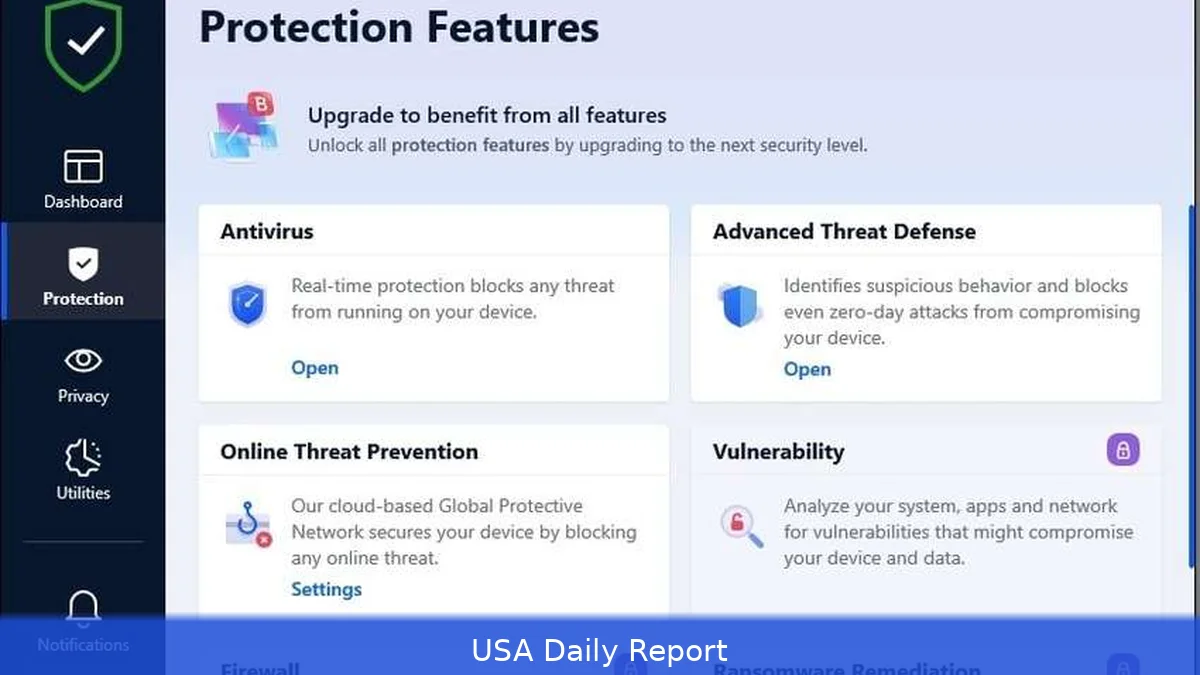
Threats change all the time, so you need protection that keeps up. We reviewed current antivirus options for 2026 — free and paid — to help you choose what matches your devices, budget and privacy concerns. First there’s a quick table, then a one‑to‑ten breakdown with features, pros and cons, who should buy each product, and U.S. pricing where available.
Quick-reference summary
- Bitdefender Total Security — our pick for overall balance between protection and extras; retail pricing is commonly around $90 a year for the standard five‑device plan.
- Norton 360 Deluxe — good if you want identity tools bundled with a VPN; promotional first‑year pricing often drops to about $50 for five devices.
- Microsoft Defender — the free, built‑in Windows option that offers solid baseline protection for most users on Windows 10 and 11.
- McAfee Total Protection — Best for families with unlimited-device plans. Intro pricing often $34.99/year for first year.
- Malwarebytes Premium — Best lightweight anti-malware on-demand. Price: $39.99/year per device.
- Trend Micro Maximum Security — Best for web protection and phishing blocks. Price: $39.95/year initial.
- Kaspersky Total Security — Best score for malware detection; caution on government use. Price: $59.99/year.
- ESET NOD32 — Best for power users who want tweakable scans. Price: $39.99/year.
- Avast One (Premium) — Best extra tools (VPN, cleanup) at midrange price. Price: $69.99/year.
- Sophos Home Premium — Best for remote management of multiple devices. Price: $60/year.
Comparison table
| Rank | Product | Best for | Price (USD/year) |
|---|---|---|---|
| 1 | Bitdefender Total Security | Balanced protection & features | $89.99–$90 |
| 2 | Norton 360 Deluxe | Identity tools & VPN | $49.99 (intro) |
| 3 | Microsoft Defender | Free, built-in Windows protection | Free (built into Windows) |
| 4 | McAfee Total Protection | Unlimited devices & family plans | $34.99 (intro) |
| 5 | Malwarebytes Premium | On-demand malware cleanup | $39.99 |
| 6 | Trend Micro Maximum Security | Anti-phishing & web filtering | $39.95 (intro) |
| 7 | Kaspersky Total Security | Top-tier malware detection | $59.99 |
| 8 | ESET NOD32 | Advanced users who want control | $39.99 |
| 9 | Avast One Premium | Extras like VPN and tune-up | $69.99 |
| 10 | Sophos Home Premium | Remote device management | $60 |
1. Bitdefender Total Security — Best overall
Key features: multi-layer malware engine, behavior-based detection, ransomware rollback, anti-phishing, a secure VPN (limited data on some plans), password manager, parental controls, and dark-web monitoring.
Pros: It catches threats well and generally runs scans without slowing your machine noticeably. Tons of extras that work together well. Good cross-platform support for Windows, macOS, Android and iOS.
Cons: The bundled VPN can hurt your browsing speeds on some networks. The full feature set can feel like overkill for casual users.
Who should consider it: Folks who want reliable, mostly automatic protection across multiple devices and don’t mind paying for added features.
Pricing (US): Bitdefender often lists Total Security at about $89.99–$90/year for the standard package covering up to five devices.
2. Norton 360 Deluxe — Best for identity tools and VPN
Key features: signature-based and behavioral antivirus, a full-feature VPN, cloud backup (Windows), password manager, parental controls, and identity-theft monitoring in higher tiers.
Pros: Good mix of features and an easy interface. VPN is a solid bundled value. Identity and backup tools stand out for families.
Cons: Renewal prices jump; identity features cost more in LifeLock tiers. Some users report heavy memory use during full scans.
Who it's best for: Families and users who want identity protection and a built-in VPN without buying separate services.
Pricing (US): Intro prices commonly start around $49.99/year for the first year on the Deluxe plan (five devices); renewals are higher.
3. Microsoft Defender — Best free option
Key features: real-time protection built into Windows 10 and Windows 11, cloud-delivered protection, firewall integration, and controlled folder access to fight ransomware.
Pros: Free, baked into Windows, no account or install fuss. Independent labs have improved Microsoft Defender’s scores in recent years, bringing it closer to some paid options in certain tests. Low system impact on modern hardware.
Cons: Fewer bonus tools — no VPN, no cross-platform suite, limited extras for non-Windows devices.
Who it's best for: Windows users who want decent baseline protection without buying extra software.
Pricing (US): Free with Windows. Paid Microsoft 365 plans add safety features but aren’t required for Defender.
4. McAfee Total Protection — Best for families and unlimited-device plans
Key features: antivirus, web protections, identity-monitoring add-ons, VPN, password manager, and a home network scanner.

Pros: Unlimited-device plans are great for households with many phones, tablets and PCs. Simple family dashboard and identity tools available on premium tiers.
Cons: The interface can feel cluttered. Some promotions cut first-year prices sharply, but renewal rates climb.
Who it's best for: Large households that need to protect many devices without juggling licenses.
Pricing (US): Introductory offers commonly show $34.99/year for the first year for Total Protection on unlimited devices; typical renewals cost more.
5. Malwarebytes Premium — Best for malware cleanup and on-demand scans
Key features: strong on-demand malware and PUP removal, real-time exploit protection, ransomware protection, browser protection.
Pros: Lightweight, fast scans, and excellent at removing stubborn malware that other engines miss. Good as a second-opinion scanner.
Cons: Not as feature-rich as full suites — no built-in VPN or parental controls. Single-device plans are limiting unless you buy a multi-license.
Who it's best for: Users who want a focused anti-malware tool to run alongside another AV product or prefer minimal background overhead.
Pricing (US): About $39.99/year per device for Premium licenses.
6. Trend Micro Maximum Security — Best for web protection
Key features: strong web and email protection, Pay Guard for safer banking, social media privacy checks, and parental controls.
Pros: Very effective phishing and web-filtering tools. Simple setup and useful privacy extras.
Cons: Can be heavier on system resources during full scans. Some false positives reported for niche software.
Who it's best for: Users who spend a lot of time banking, shopping or working in a browser and want solid anti-phishing defenses.
Pricing (US): Intro pricing often starts at $39.95/year for single or limited-device packages.
7. Kaspersky Total Security — Best detection, with caveats
Key features: top-tier antivirus detection, multi-layer ransomware protection, password manager, backup tools, VPN (limited), and parental controls.
Pros: Consistently high detection rates in lab tests. Lightweight and fast with a clear UI.
Cons: Geopolitical concerns mean some organizations avoid it — U.S. Federal guidance has warned about government use. Consumers should weigh trust and compliance needs.
Who it's best for: Home users prioritizing detection quality who aren't restricted by workplace or government policies.
Pricing (US): Typical price around $59.99/year for the Total Security bundle.
8. ESET NOD32 Antivirus — Best for advanced users
Key features: heuristic engine, low-level scanning, extensive customization, gamer mode, and a small footprint.
Pros: Fast, light, and configurable. Great for tech-savvy users who want to tune scans and exclusions.
Cons: Less polished extras compared with big suites. Parental controls and identity tools are minimal.
Who it's best for: Power users, IT pros and gamers who need low system impact and granular control.
Pricing (US): Around $39.99/year for single-device NOD32 plans; multi-device and suite options cost more.
9. Avast One (Premium) — Best for extras like VPN and cleanup
Key features: antivirus engine, VPN, system cleanup tools, breach monitoring, and performance tools.
Pros: Lots of non-security extras in one app. User-friendly dashboard and good cross-platform support.
Cons: Past privacy concerns around data collection have damaged trust — Avast has changed policies, but some users remain wary. The free tier is feature-limited.
Who it's best for: Users who want a package that blends security with performance and privacy extras.
Pricing (US): Avast One Premium usually lists around $69.99/year for a standard subscription.
10. Sophos Home Premium — Best for remote management
Key features: business-grade antivirus engine, web filtering, ransomware protection, and a cloud-based management console for multiple devices.
Pros: Centralized web console makes it easy to manage protections across family devices from anywhere. Strong malware detection backed by Sophos labs.
Cons: Fewer consumer-focused extras; the interface is more utilitarian. Mobile features are limited compared with others.
Who it's best for: Parents and small households that want simple, remote management and solid detection.
Honestly, pricing (US): About $60/year for a multi-device Premium plan.
How we chose these products
We looked for products that protected against current threats, had low system impact, and offered clear pricing and real-world features. We weighed lab detection performance, independent test results, built-in extras (VPN, backup, identity tools), ease of use, and value for money. But we also considered privacy track records and how each vendor handles data. Free options had to offer meaningful, ongoing protection — not just a trial.
Practical tips for picking an antivirus in 2026
1. Start with your risk profile — how many devices, whether you bank online, and whether family safety features matter. That narrows the field fast.
2. Use built-in protection first — Microsoft Defender is fine for many Windows-only households. Add a second-opinion scanner like Malwarebytes when you suspect trouble.
3. Watch renewal rates — first-year prices can be heavily discounted. Expect renewals to be 30–100% higher.
4. Manage VPN expectations — bundled VPNs vary. Many restrict data or slow speeds unless you pay more.
5. Check privacy policies and jurisdiction — some vendors process security telemetry in ways you might not want. That matters for users in regulated sectors.
Privacy and safety considerations
Antivirus tools often need deep system access to block threats — that means trusting vendors with telemetry and logs. So read privacy statements, check whether a company publishes transparency reports, and consider whether their jurisdiction or ownership raises regulatory flags for your use (work, government, or sensitive data). For most households, mainstream vendors give good protection with manageable privacy trade-offs. But businesses and regulated users should pick vendors approved for their sector.
Related Articles
Best overall: Bitdefender if you want balanced protection and features. Best free: Microsoft Defender for everyday Windows users. But best for families: McAfee if you need unlimited-device plans; Norton if you want identity and backup bundles. If you want a light, second-opinion tool, use Malwarebytes. And if compliance or government guidance matters where you work, check vendor status before you buy.
This article was created with AI assistance.


